
|
|
Articles
New Possibilities of Actual Window Manager and Actual Multiple Monitors Version 8.2
Changes in Settings Setup
The main change in the new version is the capability of opening multiple configuration windows simultaneously. What does this means for the user? For example, a user can open multiple configuration windows to create specific settings for different windows via the 'Manage window settings' header button. The changes in each window cannot overwrite each other, and they will be saved independently.
In addition, we have made changes in other group of settings. Now, when making changes to the default settings, these changes will be applied to all specific settings, if they have not been changed previously. Thus, there is no need to configure all the settings for each window with specific settings manually.
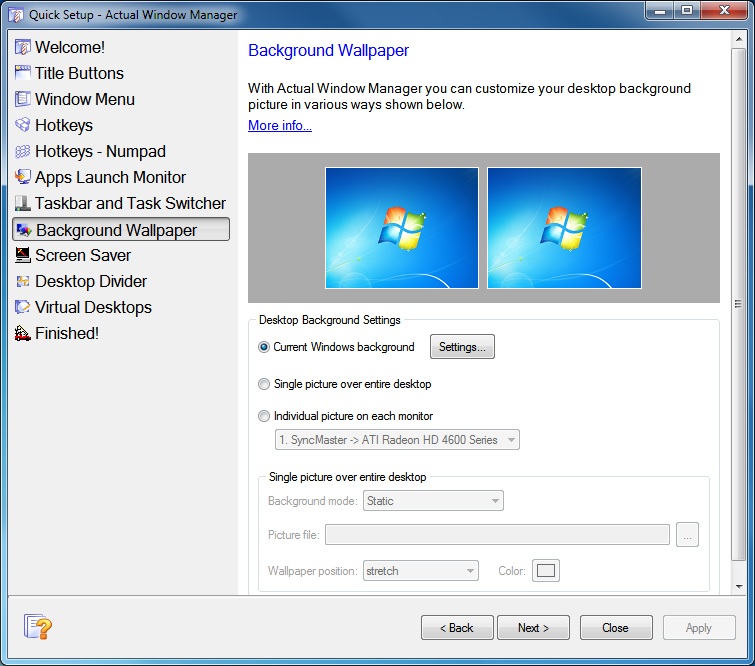
Also, our team added another function, called Quick Setup Wizard. This allows users (especially beginners) to quickly configure the desired settings of the most popular program features. The wizard starts automatically when you run the program for the first time. In the future, users can activate the wizard from the context menu in the notification area (right-click on the program icon).
Additional Title Buttons
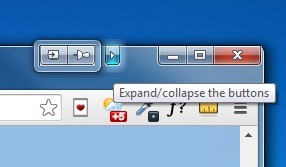
A new compact mode for title buttons is now available. This looks like an additional title button with an arrow image. Additional title buttons stay hidden until you click this button. If you click once, a pop-up toolbar appears. Then, if you click this button one more time, additional buttons will again be hidden. Thus, a user can have many title buttons without the problem of a lack of space on the title bars of windows. This problem can be rather annoying when using some applications, such as for example, Google Chrome.
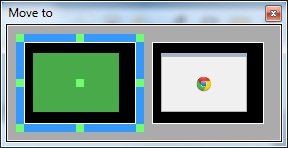
Also, we have added a new title button called 'Manage Window Settings' (only for Actual Window Manager), which allows users to quickly create or edit specific settings for any window, or add this window to exclusions (this window will ignore any rules of Actual Window Manager).
Moreover, additional features of each title button can now be activated by holding the left mouse button, not only by right clicking as previously.
Other Changes
Changes have also occurred with other features:
- The possibility to set the display position relative to each other in pixels has been added.
- The possibility to disable replacing the system task switcher (with the task switcher of Actual Window Manager) in Windows 8/8.1 has been added.
- The 'Popular' filter has been added in the 'Hotkeys - Actions' panel and set as the default filter there.
- Compatibility with Windows 8.1 Service Pack 1 has been improved.




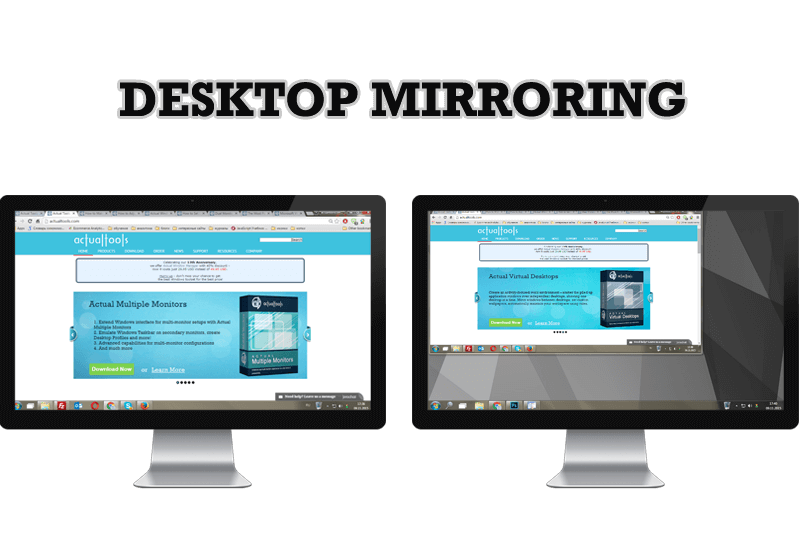
Desktop Mirroring - New Feature of Actual Multiple Monitors 3.1
Know more about new feature of the best multiple monitor software Actual Multiple Monitors 3.1 - Desktop Mirroring.
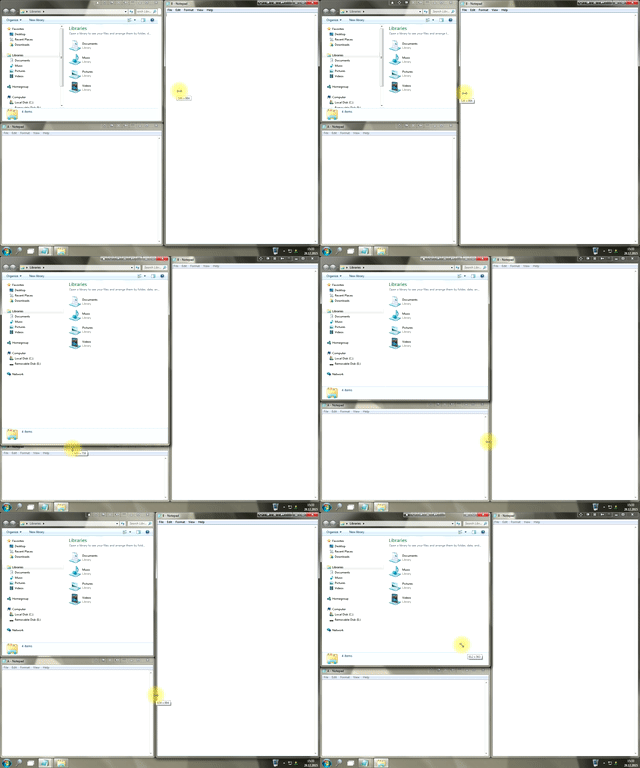
Window Group Sizing and Dragging — Organize Your Workspace Easily
In the desire to own large screens with a high resolution, we buy 4K monitors, connect televisions and projectors to computers, and assemble multi-monitor systems, but we face the problem of effective use of the new display space.
Using Actual Multiple Monitors you can solve this problem in a jiffy.
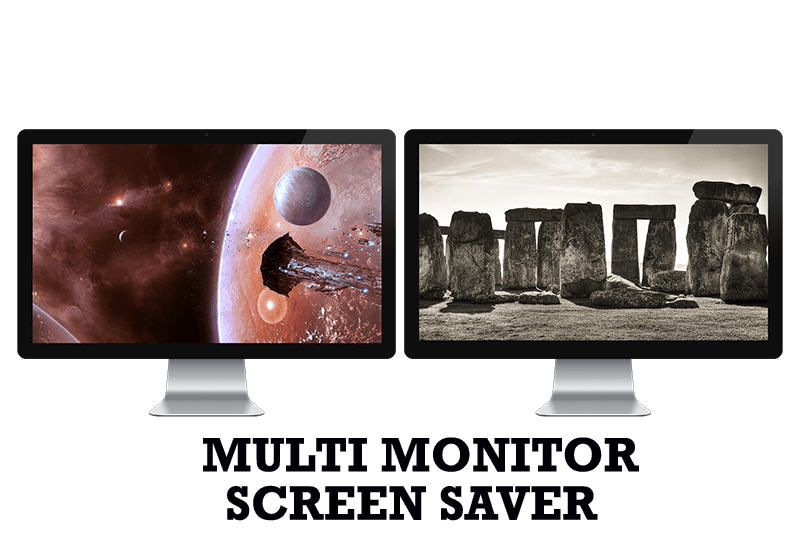
Run Multiple Monitor ScreenSaver on Desired Displays Only Automatically or by Pressing the Hotkey
Do you still turn off unused monitors manually? Use the new feature of Actual Multiple Monitors to run screensavers on unused displays automatically or by the hotkey combination.
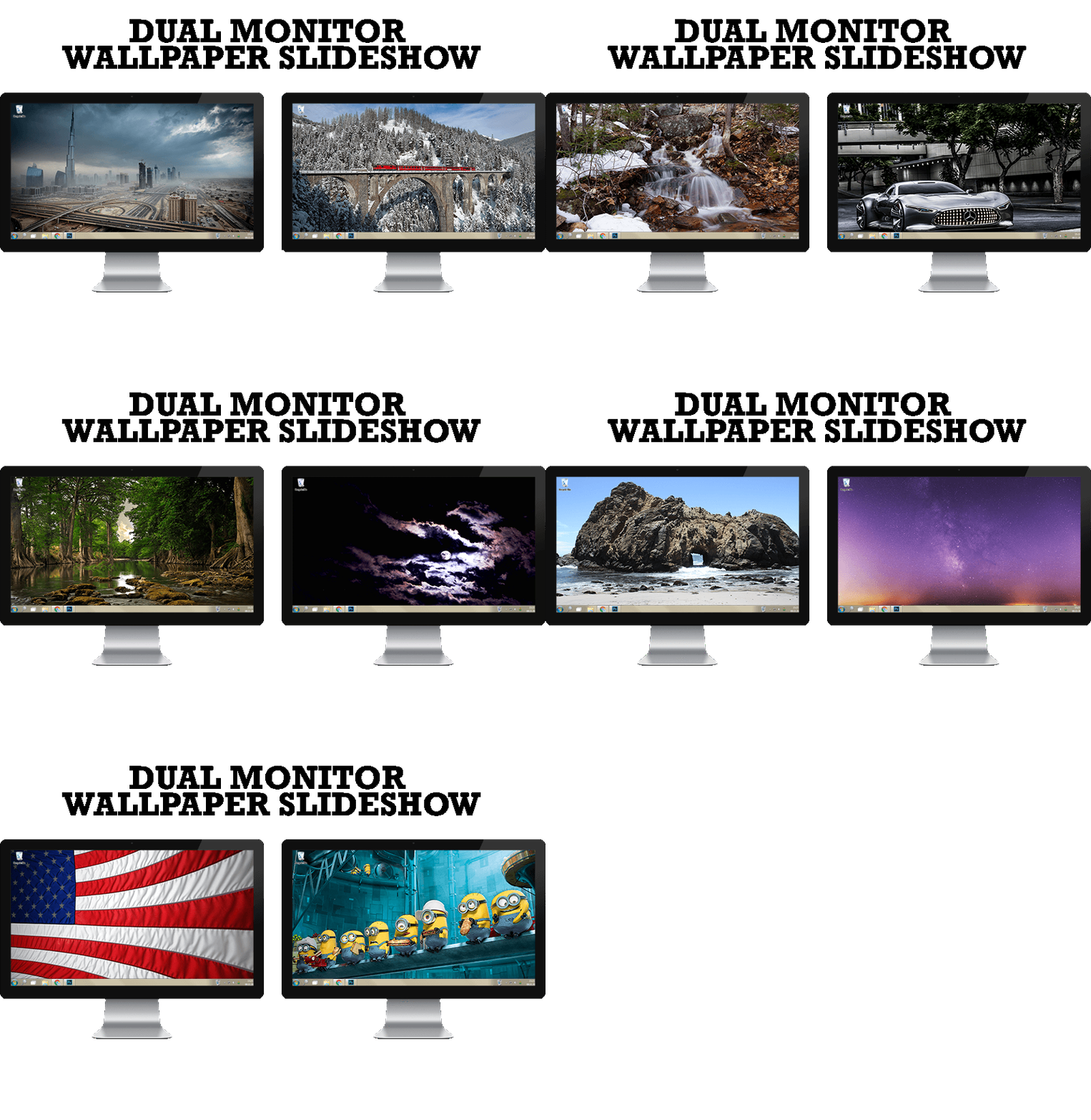
How to Set Up Dual Monitor Wallpapers Slideshow
Step by step guide to installing a slideshow mode on dual monitor.
Recent Folders & Favorite Folders - New Title Buttons for Convenient Work
In the new version of Actual Window Manager you're got the opportunity of using two new title buttons - Recent Folders and Favorite Folders. These buttons will make your work more convenient.
Users of AccountEdge 2013 choose Dual Monitors with Actual Multiple Monitors Software
Actual Multiple Monitors as the Best Dual Monitor Software for accountants. How Actual Multiple Monitors can help users of AccountEdge 2013 on dual monitors?

How to Adjust Each Display of Dual Monitor for Specific Tasks
In this article you'll learn one of the most popular configuration for dual monitors.
Minimize Eudora e-mail client into system tray
Eudora is one of the well known and oldest e-mail clients. You can minimize Eudora into system tray or force it to stay on top of other windows with a single mouse click with Actual Title Buttons.

Get fully functional Recycle Bin on your Taskbar
Lear about how to put a fully functional Recycle Bin on your taskbar
Minimize Programs Icons from Taskbar to Tray with the Actual Window Minimizer
Use Actual Window Minimizer to save the taskbar and system tray clean when working with a large amount of windows.
