
|
|
Articles
Game Play on Dual Monitors with Actual Multiple Monitors Software
- Introduction
- How can Actual Multiple Monitors software help playing in comfort on dual monitors?
- Ignore Deactivation
- Lock the Mouse Pointer
- Maximize to Desktop
- Wrap the Desktop
- Dual Monitor Tools for Everyday Use
- Conclusion
- Usedful Links
Introduction
Many PC users buy a second monitor to enjoy playing on dual monitors. However, they are faced with several issues that can only be solved with third-party software. What can Actual Multiple Monitors offer to dual monitor gamers?
2. How can Actual Multiple Monitors software help playing in comfort on dual monitors?
2.1. Ignore Deactivation
If you are playing using only one monitor and try to perform any action on the other, the game will be minimized. Each time you turn to the other monitor, any full-screen application will minimized.
To prevent game minimization, use the Ignore Deactivation feature. Run the game and press the hotkey combination Ctrl-Alt-Shift-I. Now, you can do anything on the unused monitor and the game will stay in full-screen.
2.2. Lock the Mouse Pointer
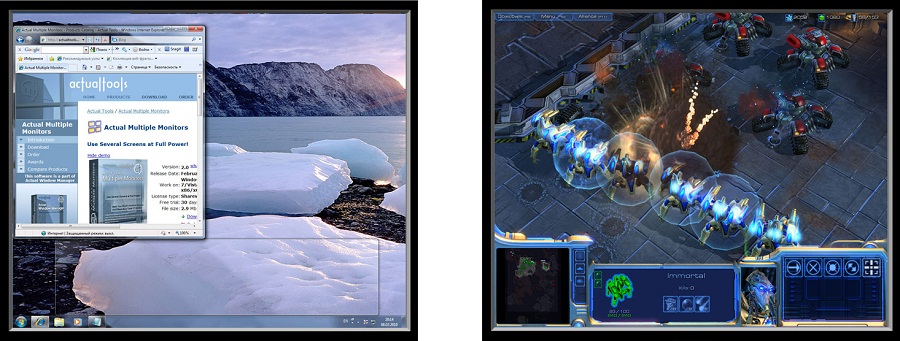
If you prefer to play in the windowed mode, the mouse pointer may leave the game borders at the most inappropriate moment. Thus, the game window loses focus and you cannot manage the game. This is fraught with losing resources or a character death, for example.
To prevent the leaving game’s borders with the mouse pointer, use the Lock the Mouse feature. When playing the game, press the Ctrl-Alt-Shift-L hotkey. Now, your mouse pointer cannot leave the area of the game window. To cancel the Lock Mouse effect, use the hotkey again.
2.3. Maximize to Desktop
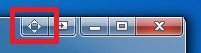
If you will play on multiple monitors, but options of the game do not allow you to set the desired resolution, use the additional title button, called Maximize to Desktop. This feature allows you to span the window to dual monitors or more.
Switch to the windowed mode and click to the Maximize to Desktop title button. Use this button again to cancel effect.
2.4. Wrap the Desktop
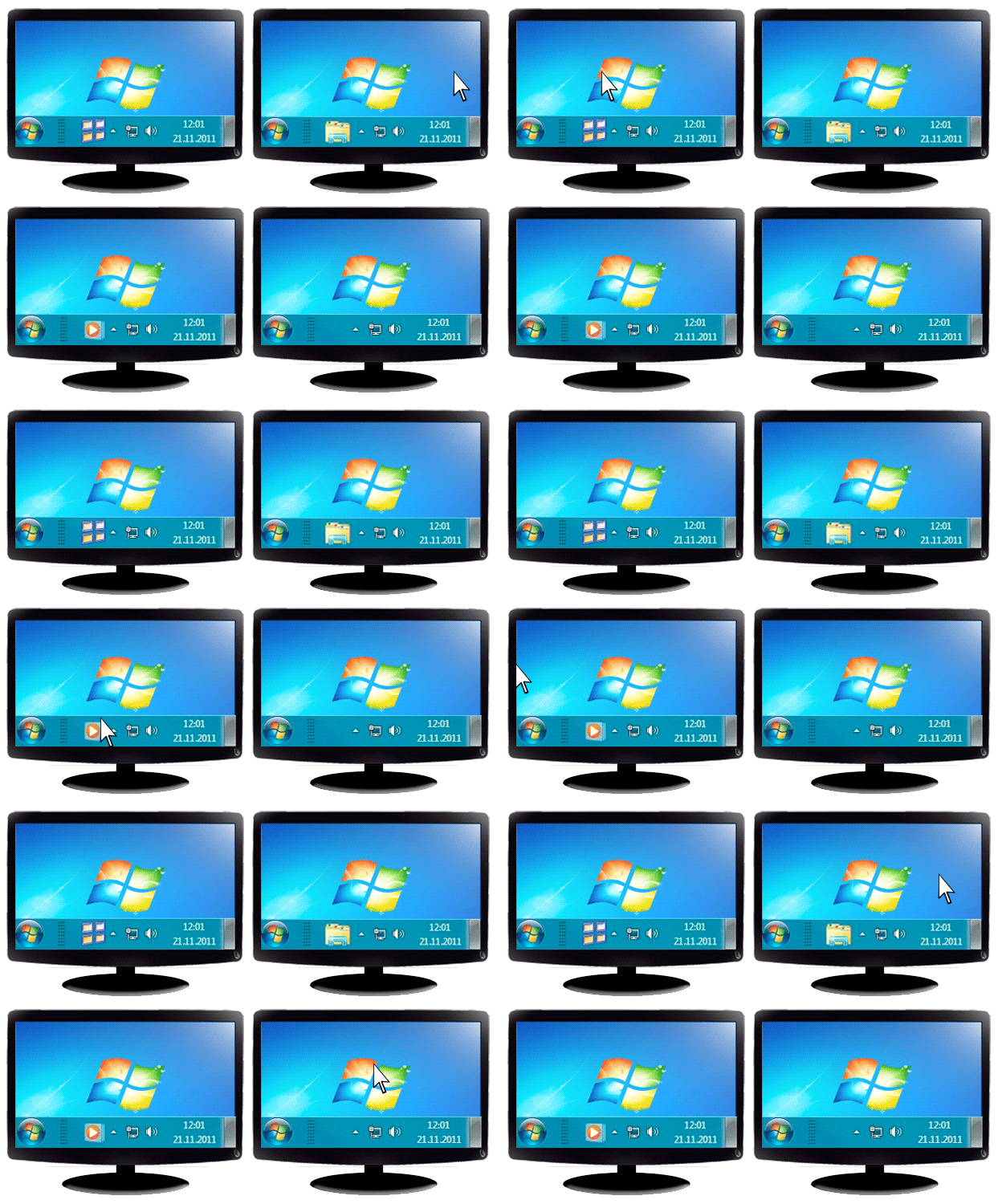
If you are using dual monitors or more, then the navigation by the mouse pointer is impeded by the large area and locked borders of the desktop.
To unlock borders and loop the desktop, use the Wrap the Desktop feature. Open the Actual Multiple Monitors configuration window and follow to the Mouse -> Multiple Monitors to check the Wrap the Desktop box.
Note: You can set desired hotkey combinations for all these features.
2.5. Dual Monitor Tools for Everyday Use
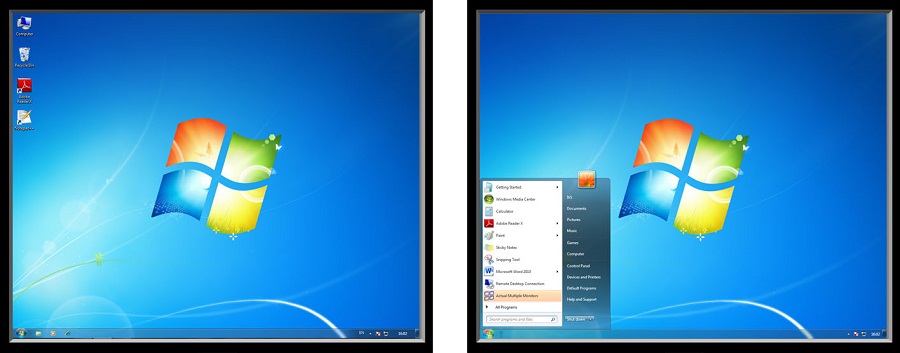
If you work with dual monitors every day, use the Actual Multiple Monitors software to get many useful features such as the extended fully-functional taskbar across all monitors, advanced wallpaper and screen saver management, improved window management, and much more. Just install and run Actual Multiple Monitors.
3. Conclusion
Use all the opportunities of your dual monitor PC with the Actual Multiple Monitors software. And simply enjoy playing on dual monitors.
4. Usedful Links
Learn how to play Starcarft 2 on dual monitorsLearn how to play Diablo 3 on dual monitors




Split the Dual Monitor Desktop in Windows 8
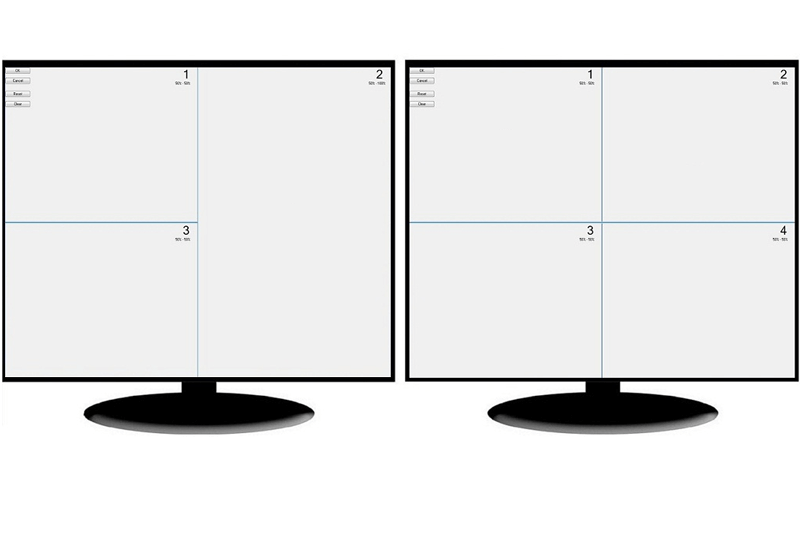
There is a feature, which allows you to split the dual monitor desktop of Windows 8 to several non-intersecting areas for placing windows. This feature called "Desktop Divider".

New Opportunities of Actual Window Manager 7.5
The new version of Actual Window Manager has been released. And this version offers a few new features.

How to find a folder to which Skype saves received files and open it in 2 clicks
With the latest updates, Skype no longer prompts the user to save a file somewhere, but immediately saves all files to a specially designated folder, and finding the folder to move files fr om it to another directory, or open them with an application other than that set by default, is sometimes a difficult task.
We are present you the perfect solution to this problem
How to Make Your Desktop More Useful with Actual Window Guard
Best software to get full control of startup windows.
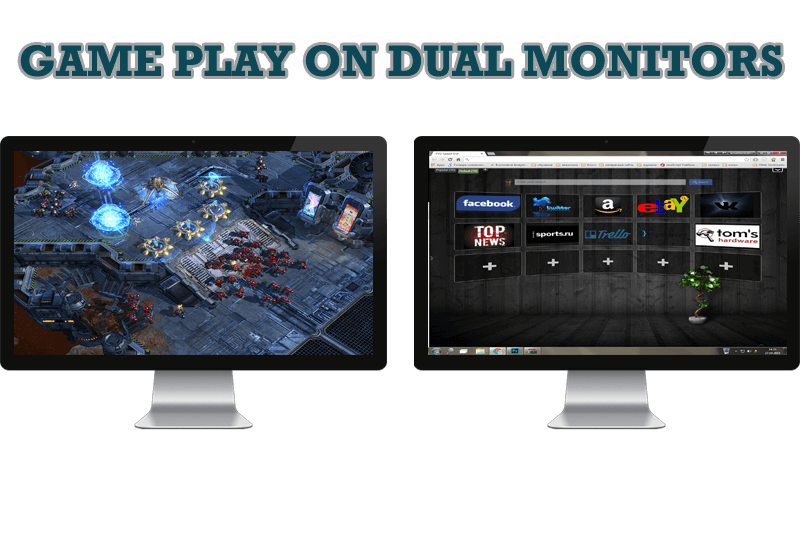
Game Play on Dual Monitors with Actual Multiple Monitors Software
Learn how Actual Multiple Monitors software may help you to play games on dual monitors.

Independent Virtual Desktops on Multiple Monitors
Learn how to create and manage virtual desktops independently on each monitor in a multiple display environment.

Optimize Adobe Acrobat Reader by means of new functional buttons
Such innovative functions as Make Transparent, Stay Always-on-Top, Minimize to Tray etc. will make your work with Adobe Acrobat Reader much easier and more productive.
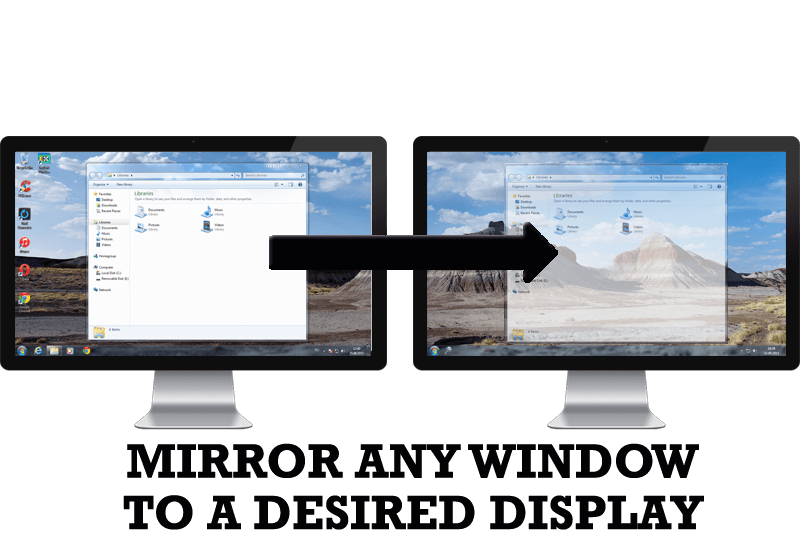
How to Mirror any Window to a Desired Display on Dual Monitors in Windows 8
Desktop Mirroring - additional feature for dual monitors in Windows 8. Mirror any window, application, monitor, or area in the special window on any display.
-
Make the Work with Multiple Displays More Comfortable and Efficient with the Actual Multiple Monitors Software
Play games or watch fullscreen video on one display and do anything else on other display at the same time with the Actual Multiple Monitors software.
-
Optimize Microsoft Word by means of Actual Window Manager!
Actual Window Manager presents a great variety of functions for working in Microsoft Word. By using them, you will be able to decrease the time you usually waste on switching between windows of different documents, keep your desktop in order and work much quicker.
