
|
|
Articles
Maximize Windows When They Start
Automatically Maximize Internet Explorer, Outlook Express Or Any Other Window Upon Opening!
The most convenient way to work with Internet Explorer, Netscape or any other web browser, Outlook Express, Eudora or any other e-mail client is when they are maximized. Users prefer to have these programs start up fully maximized and ready to go. Unfortunately, when these programs start up, the open window may range fr om postage-stamp size to nearly filling the screen. Of course, clicking the standard Windows Maximize button widens that particular window, but the next time you open it, the same annoyance repeats.
Actual Tools produced its Actual Window Manager utility to eliminate this annoyance for you.
Actual Window Manager automatically maximizes on opening any window that you specify. This utility automatically maximizes just opened Internet Explorer, Outlook Express or any other window for your convenience.
Actual Window Manager can help you in other ways, too:
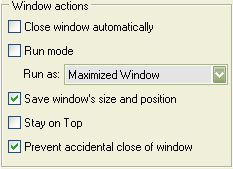
- Automatically minimize certain programs upon startup.
- Close unwanted windows automatically if you don't want to see them.
- Bring a selected program window to the top of the desktop and keep it here.
- Prevent accidental window closure.
- and much more...
Check out our articles. You can find other ways for using the features presented by Actual Window Manager which are sure to make your work easier!



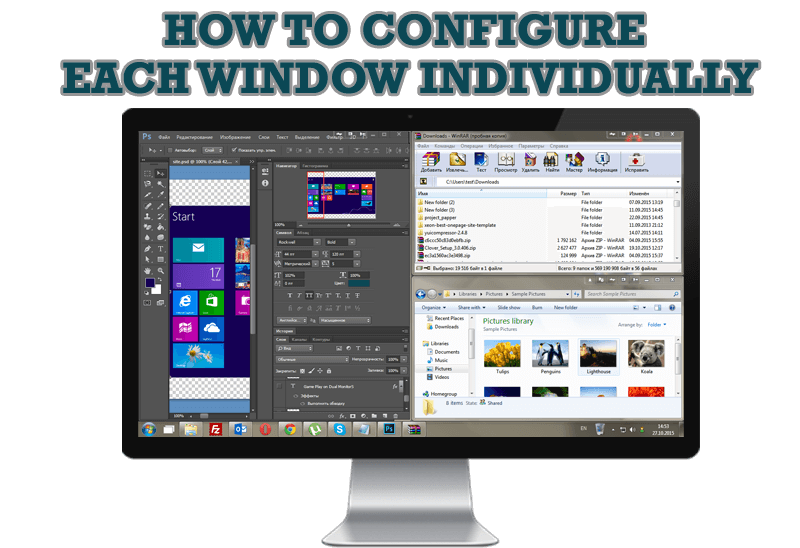
How to Configure Each Window Individually or Just the Best Window Management for Windows
Actual Window Manager offers you to configure each window as you wish with help of many useful features.

New Possibilities of Actual Window Manager and Actual Multiple Monitors Version 8.2
The new version of Actual Window Manager and Actual Multiple Monitors provides long-awaited features - Windows 10 support, Quick Setup Wizard, Compact View for Additional Title Buttons, etc.

Auto-text functionality in Actual Window Manager
Performing routine actions is much easier now. Actual Window Manager provides the Clipboard Templates feature.

How to Resize a Window to the Desired Size in One Click
Actual Window Manager provides an additional title button, which allows you resize a window to desired size in one click.
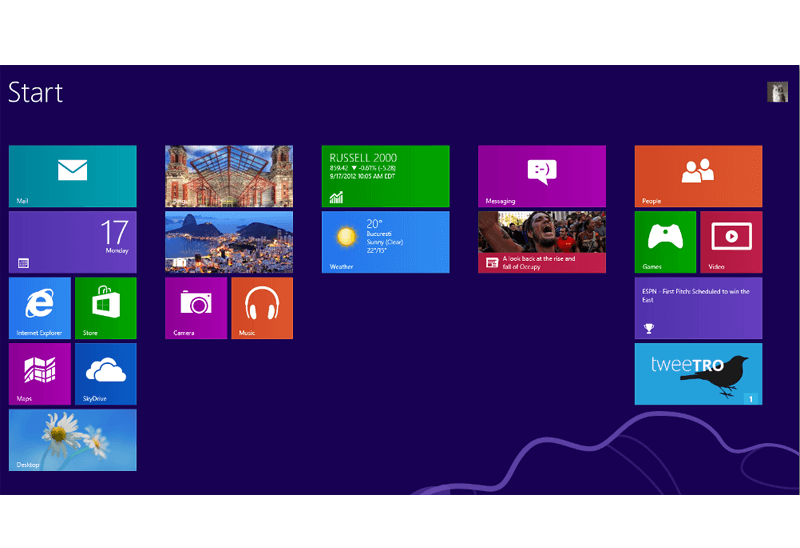
Classic Start Menu or Modified Metro Interface in Windows 8 with Actual Multiple Monitors
New features for improving Windows 8 Metro Start Menu already in Actual Multiple Monitors.
Maximize windows when they start
Automatically maximize Internet Explorer, Outlook Express or any other window upon opening!

Transparent Taskbar is the Best Taskbar Skin!
If you have decorative wallpaper, or attractive desktop colors, Actual Transparent Window lets them through to keep your desktop work area beautiful!
Improved Mouse Management in Windows 8
Actual Window Manager allows you to improve the mouse management in Windows 8 using many additional features.

How can Actual Window Manager help multi-monitor users?
Get the full power of your multi-monitor configuration with Actual Tools!
-
How to make your computer work faster
Adjust finely the priority of your programs with Actual Tools software.
