Actual Tools
Actual Tools
 HOME 
 PRODUCTS 
 DOWNLOAD 
 ORDER 
 SUPPORT 
 RESOURCES 
 COMPANY 
Actual Tools
Press Center
News is in RSS format News
Actual Tools / Press / Logos & Screenshots

Logos & Screenshots

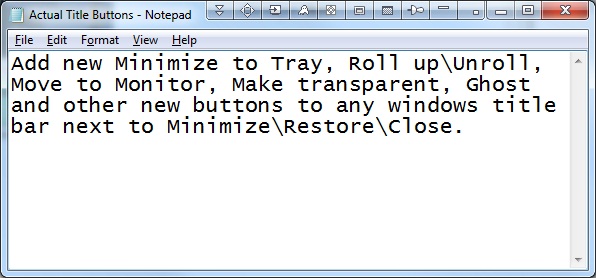
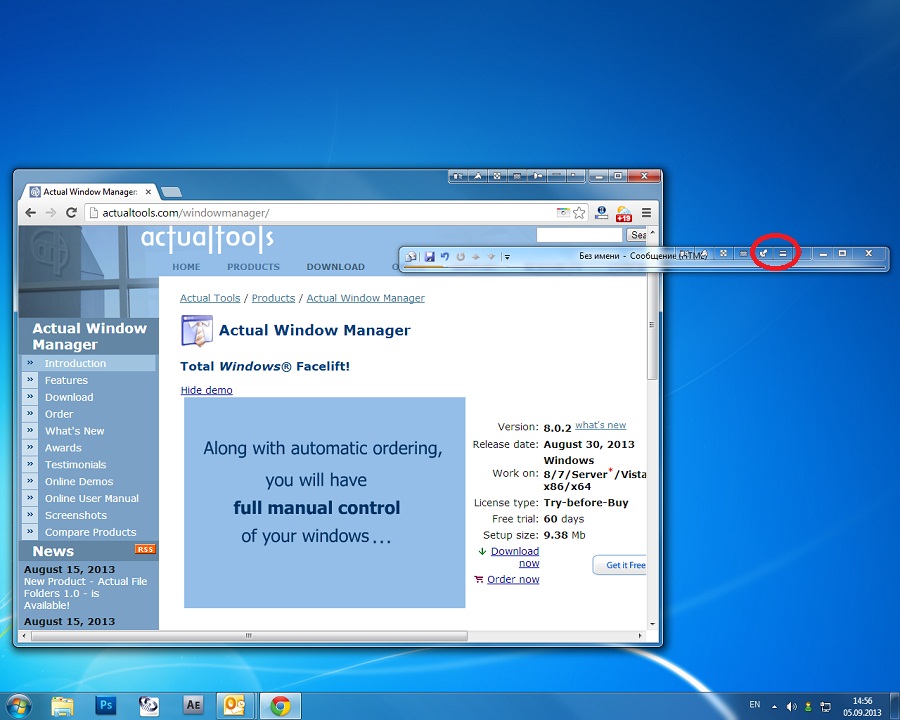
Screen Shot 1 - Actual Title Button Screen Shot
 
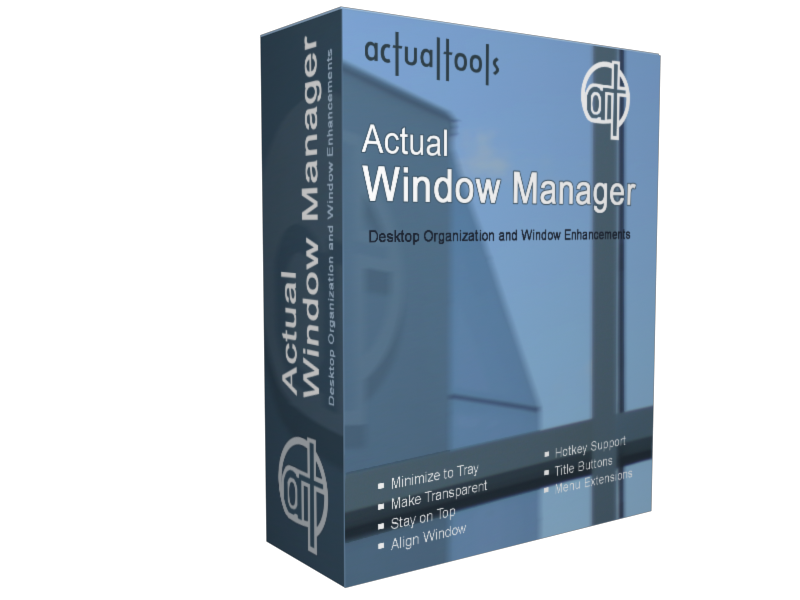
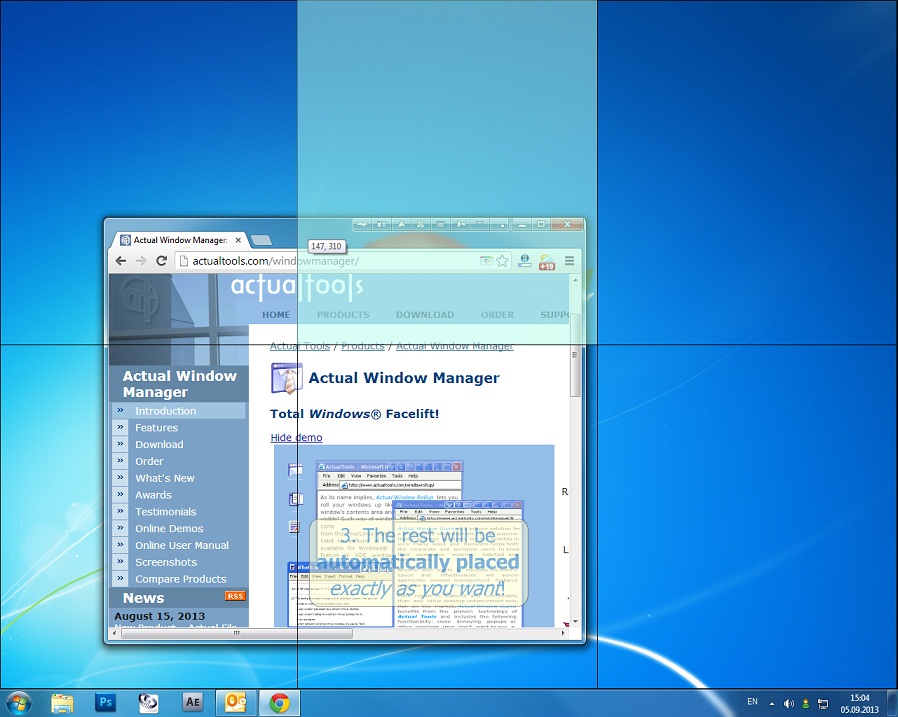
Screen Shot 2 - Actual Window Manager Box
 
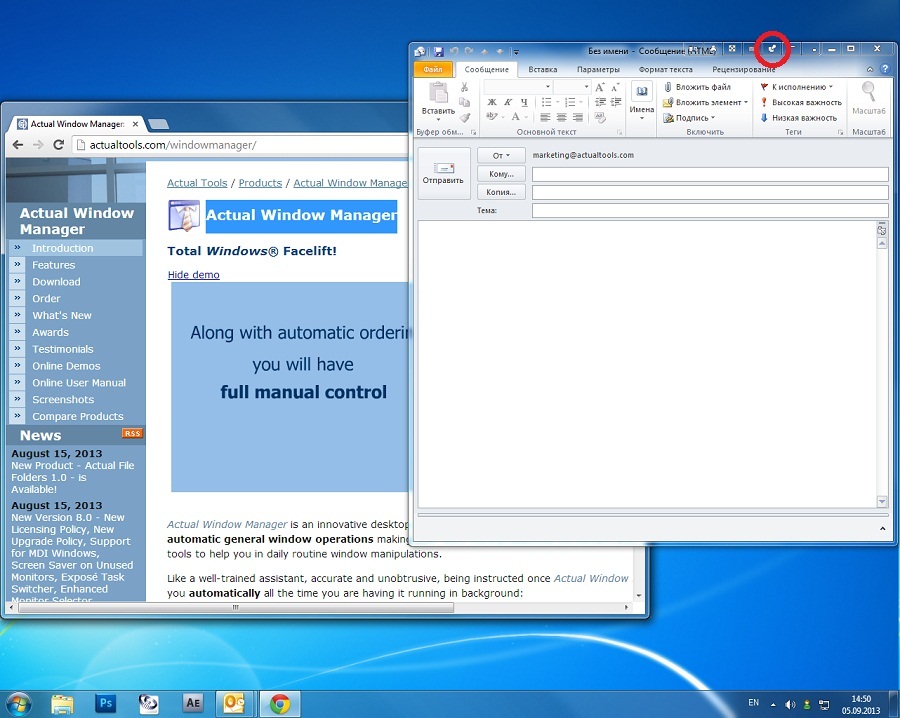
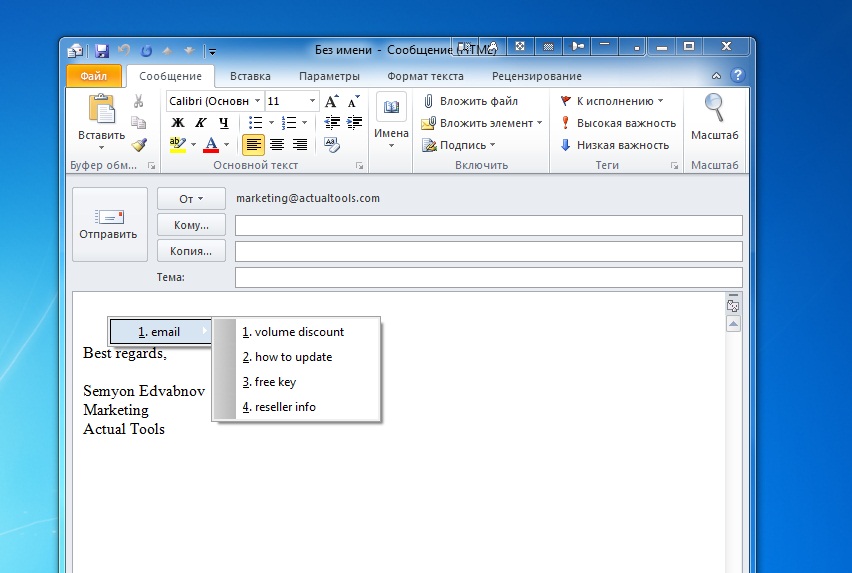
Screen Shot 3 - By rolling up and pinning the e-mail you can quickly check the calendar underneath.
 
Screen Shot 4 - It is so convenient to work with application when it is maximized!
 
Screen Shot 5 - You can automatically minimize any window to the screen edge.
 
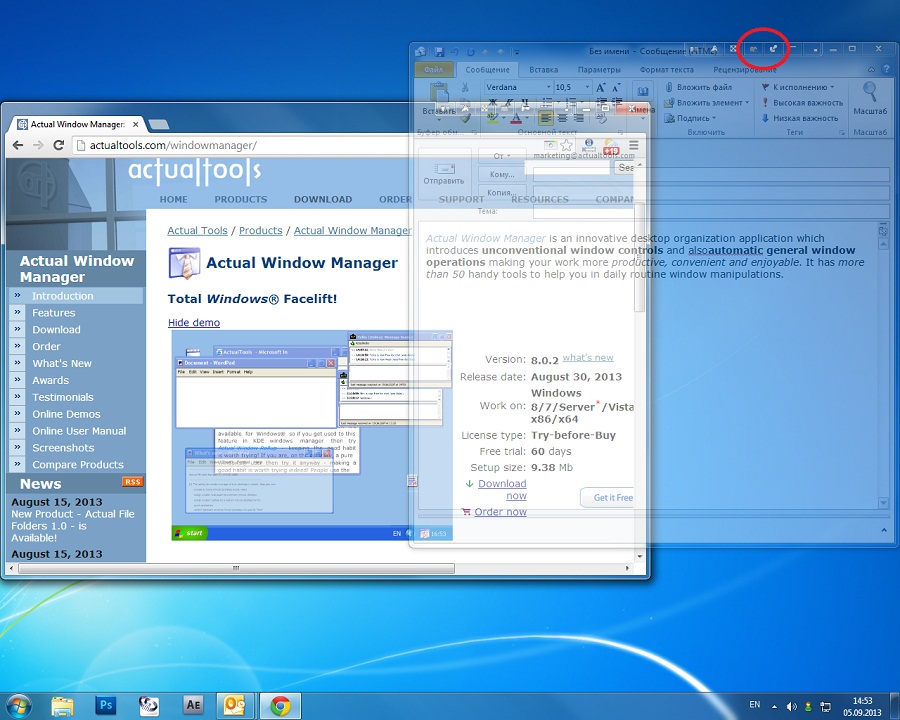
Screen Shot 6 - With the e-mail pinned on top, you can drag and drop information all day without actively switching windows.
 
Screen Shot 7 - A transparent Tablet PC Input Panel lets you read what's underneath as you write.
 
Screen Shot 8 - Excel worksheet with transparency effect. Looks nice, right?
 
Screen Shot 9 - Actual Window Manager Title Buttons options. It lets you add the new Minimize to Tray, Rollup\Unroll, Stay on Top and Make Transparent buttons to any program's title bar next to the Windows standard Minimize/Maximize/Close buttons.
 
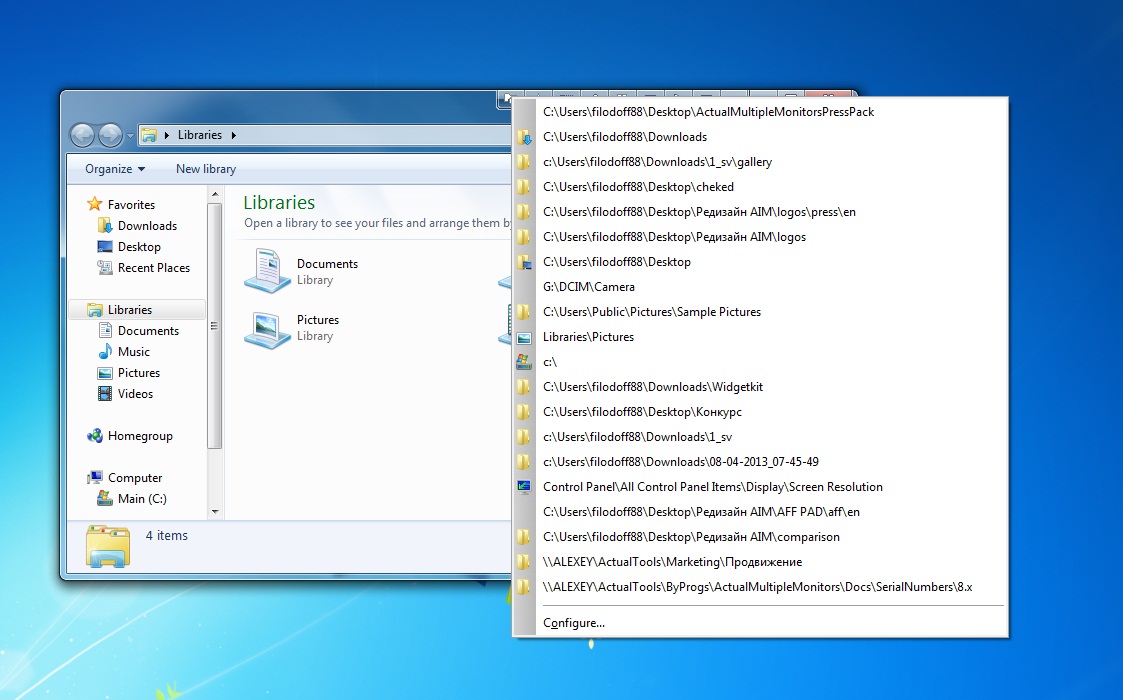
Screen Shot 10 - Actual Window Manager System Menu options. Actual Window Menu adds new functional commands to standard window system menu!
 
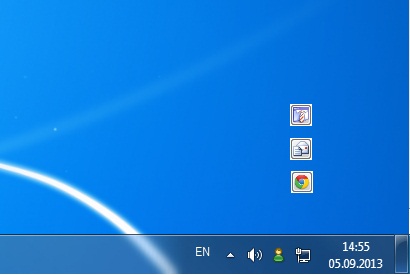
Screen Shot 11 - Actual Window Manager Minimizing options. It will help you minimize any application to Tray or Screen Edge!
 
Screen Shot 12 - Actual Window Manager Transparency effect options. Using Transparency effect, it is very easy to organize simultaneously opened windows.
 
Screen Shot 13 - Actual Window Manager Window Placement options. You can station any window to any place on the screen!
 
Screen Shot 14 - Actual Window Manager Window actions options.
 
Screen Shot 15 - Actual Window Manager Window rule options. Creating rules for different windows will help you save your time.