
|
|
Articles
How to Set Up Different Screen Savers on Dual Monitors
- Introduction
- How to Span the Screen Saver Across Dual Monitors
- How to Set the Individual Screen Saver to Each Monitor on Dual Monitor Setup
- Conclusion
Introduction
You cannot set different screen savers for dual monitor with the standard tools of Windows 7. For example, 3D text is displayed only on the primary monitor, while Mystify and Bubbles is spans all monitors. However, you can solve these problems easily with the Actual Multiple Monitors software.
2. How to Span the Screen Saver Across Dual Monitors
To set a single extending desktop screensaver, do the following. Open the Actual Multiple Monitors' configuration window, and select the “Screen Saver” tab under “Multiple Monitors”. Then, check the box near the “Single screen saver over entire desktop” point. Set the desired screen saver and save settings. Also, you can set the time interval for delaying the activation of screen saver mode.
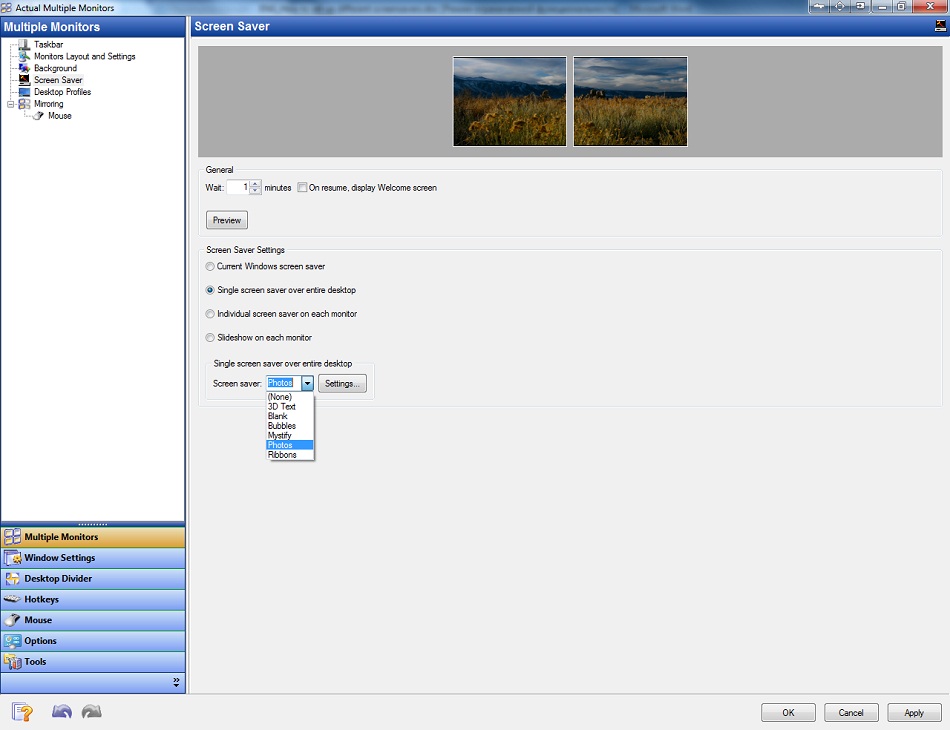
Note: this feature is available in the free version of Actual Multiple Monitors.
3. How to Set the Individual Screen Saver to Each Monitor on Dual Monitor Setup
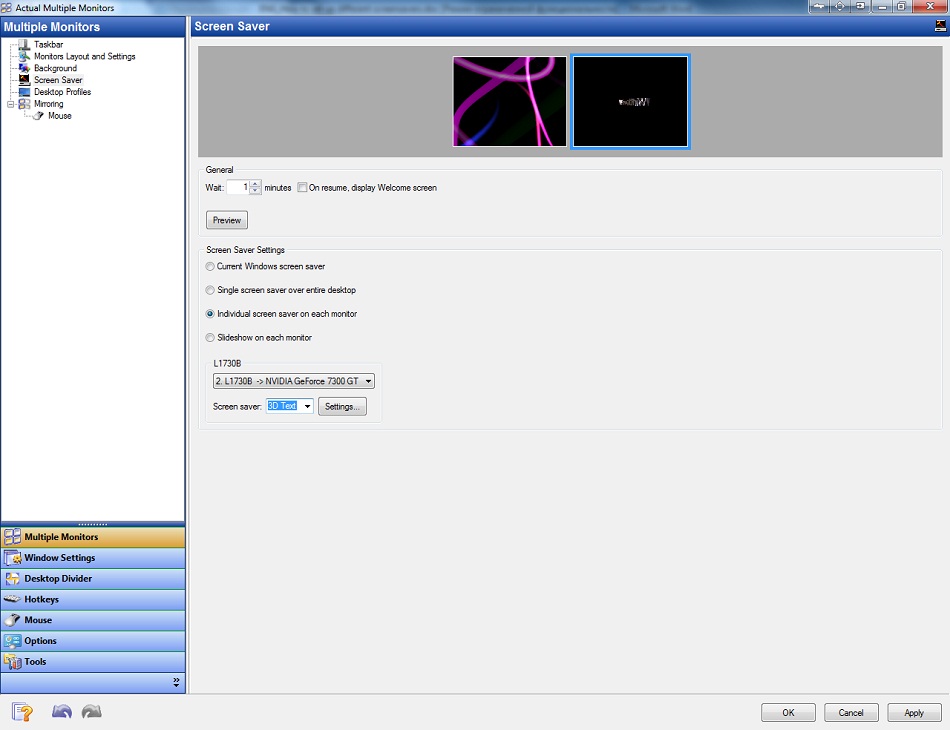
To set an individual screen saver for each monitor check the box “Individual screen saver on each monitor” in the same Actual Multiple Monitors' configuration window. Select the primary monitor and set the desired screen saver. Then do the same for the secondary one.
4. Conclusion
In addition to screen saver management, Actual Multiple Monitors has many features improving the multi-monitor environment for work and home use. You can try all of them by getting advantage of the free 30-day trial period.






Enhance Your Favorite ICQ Client with Actual Title Buttons
Find out new interesting ways to improve your ICQ instant messaging experience.

Dual Monitor Virtual Desktops in Windows 8
If you lack of the desktop space, but you have not the opportunity to use more than dual monitors, use Virtual Desktops tools provided by Actual Window Manager.
-
How to make your computer work faster
Adjust finely the priority of your programs with Actual Tools software.
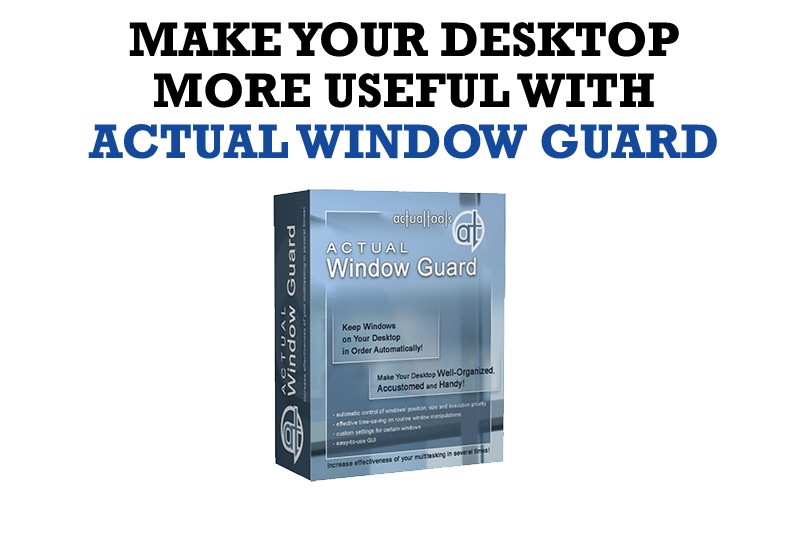
How to Make Your Desktop More Useful with Actual Window Guard
Best software to get full control of startup windows.
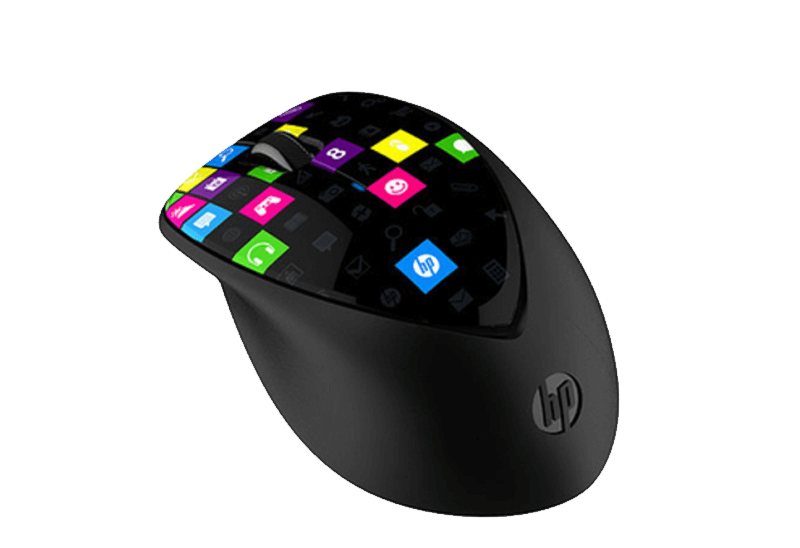
Improved Mouse Management in Windows 8
Actual Window Manager allows you to improve the mouse management in Windows 8 using many additional features.
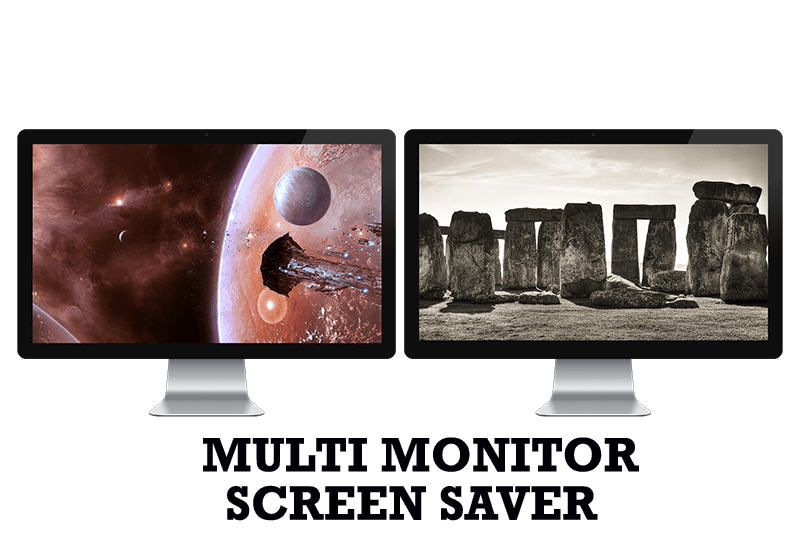
Run Multiple Monitor ScreenSaver on Desired Displays Only Automatically or by Pressing the Hotkey
Do you still turn off unused monitors manually? Use the new feature of Actual Multiple Monitors to run screensavers on unused displays automatically or by the hotkey combination.
-
How can Actual Window Manager help multi-monitor users?
Get the full power of your multi-monitor configuration with Actual Tools!

Enhance your Incredimail letters with Actual Title Buttons
IncrediMail is an advanced, feature-rich email program and by using our Actual Title Buttons program you can make Incredimail an even more premium experience by adding a whole bag full of delightful new features to it!
-
8 ways to minimize any program to tray!
Minimizing programs to system tray lets you save space in the taskbar while providing easy access to running applications (via the tray icon). The Minimize Alternatively option can be useful for email clients, text editors and so on.

The Most Popular Resources to Download Dual Monitor Wallpapers
Use this article to find cool dual screen wallpapers and personalize your dual monitor desktop.
