
|
|
Articles
How to Set Up Different Screen Savers on Dual Monitors
- Introduction
- How to Span the Screen Saver Across Dual Monitors
- How to Set the Individual Screen Saver to Each Monitor on Dual Monitor Setup
- Conclusion
Introduction
You cannot set different screen savers for dual monitor with the standard tools of Windows 7. For example, 3D text is displayed only on the primary monitor, while Mystify and Bubbles is spans all monitors. However, you can solve these problems easily with the Actual Multiple Monitors software.
2. How to Span the Screen Saver Across Dual Monitors
To set a single extending desktop screensaver, do the following. Open the Actual Multiple Monitors' configuration window, and select the “Screen Saver” tab under “Multiple Monitors”. Then, check the box near the “Single screen saver over entire desktop” point. Set the desired screen saver and save settings. Also, you can set the time interval for delaying the activation of screen saver mode.
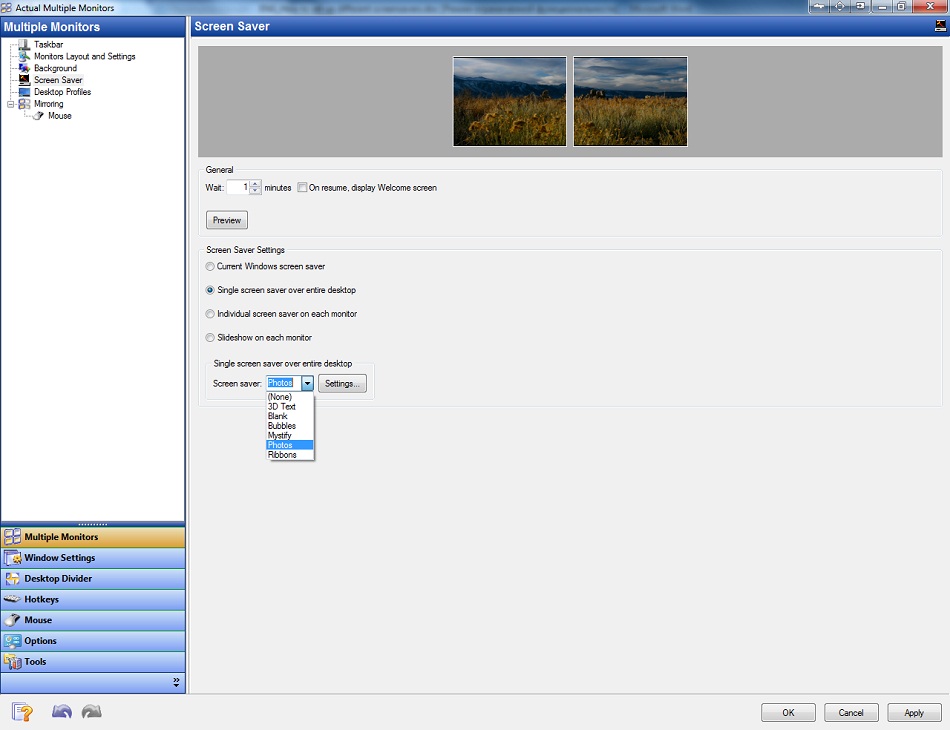
Note: this feature is available in the free version of Actual Multiple Monitors.
3. How to Set the Individual Screen Saver to Each Monitor on Dual Monitor Setup
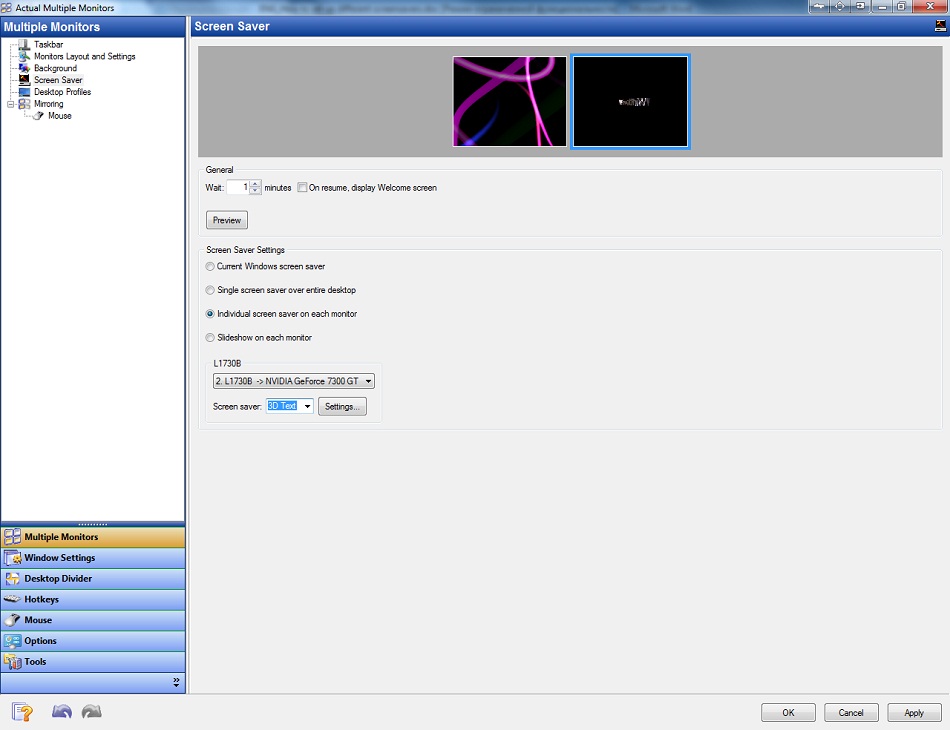
To set an individual screen saver for each monitor check the box “Individual screen saver on each monitor” in the same Actual Multiple Monitors' configuration window. Select the primary monitor and set the desired screen saver. Then do the same for the secondary one.
4. Conclusion
In addition to screen saver management, Actual Multiple Monitors has many features improving the multi-monitor environment for work and home use. You can try all of them by getting advantage of the free 30-day trial period.





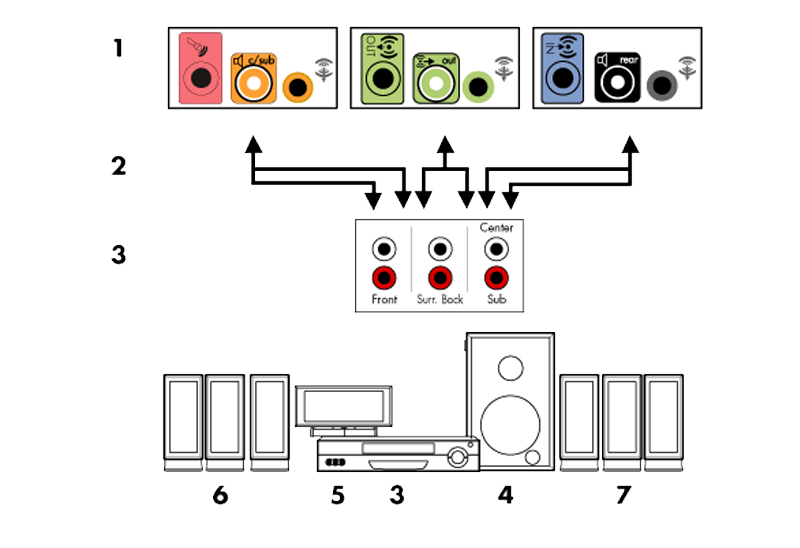
How to Quickly Switch Default Audio Device in Windows
Learn how to switch default audio device in one click by using Actual Window Manager or Actual Multiple Monitors.
Use Actual Window Manager to hide SSH tunnels to system tray
If you use SSH tunnels to allow access through a firewall, or just to encrypt your communication, you might get sick of the proliferation of tasks littering your bar. It is very easy, however, to use Actual Window Manager to automatically clear these up.

Auto-text functionality in Actual Window Manager
Performing routine actions is much easier now. Actual Window Manager provides the Clipboard Templates feature.

Minimize to tray: Minimize to the system tray any program you want!
How to minimize any program to the tray!
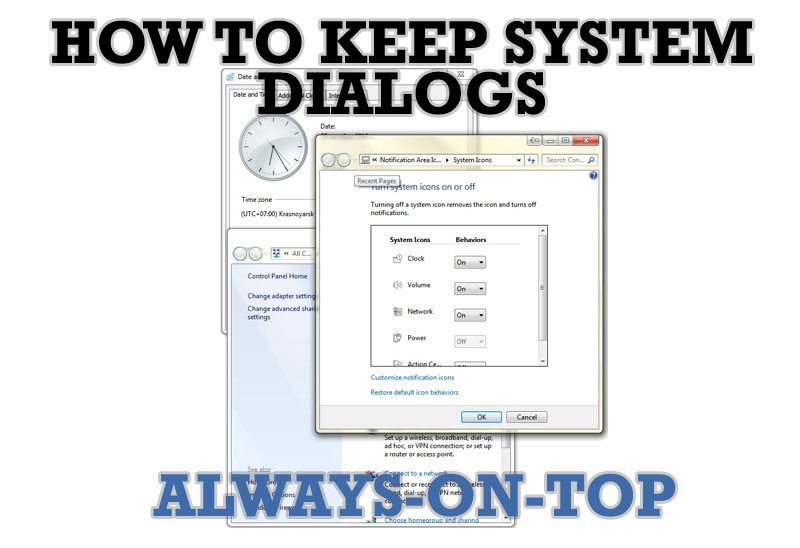
How to keep system dialogs Always-on-Top
This article describes how you can stay on top any system dialogs such as 'Add/Remove Programs', 'System Properties', 'Time/Date Properties' and doesn't allow other windows to hide it partially or completely.

Dual Monitor Virtual Desktops in Windows 8
If you lack of the desktop space, but you have not the opportunity to use more than dual monitors, use Virtual Desktops tools provided by Actual Window Manager.
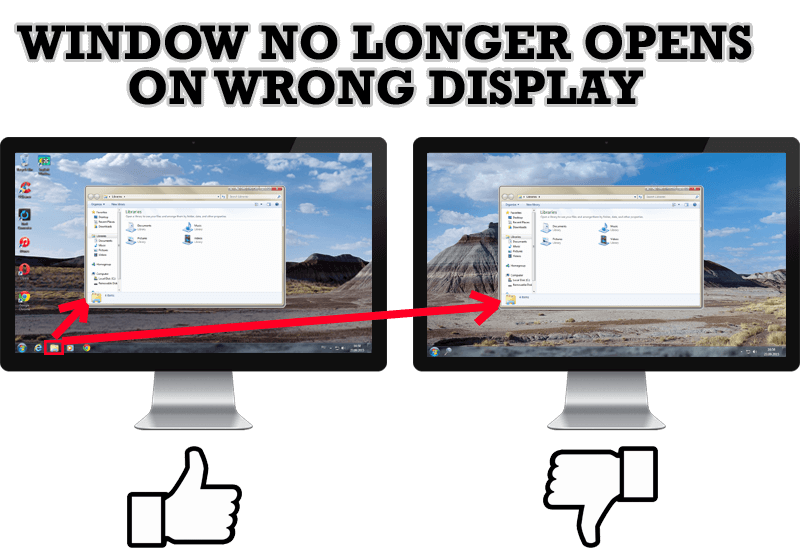
Specific Settings - Window no Longer Opens on Wrong Display
Create specific settings for a window - and it will no longer open on a wrong monitor.

How to keep size and position of windows
If you often use such folders as My Computer, My Documents, My Network Places etc. and want to open them where you indicate - our Actual Window Manager program is made for you!
-
Find the best way to minimize Microsoft Outlook to the system tray
When a user works with several applications simultaneously, his/her taskbar is cluttered with windows and it is rather difficult to find a necessary one. Actual Window Minimizer can solve this problem by minimizing Microsoft Outlook windows either to the system tray or to any place on your screen in order to save some precious space in the taskbar.
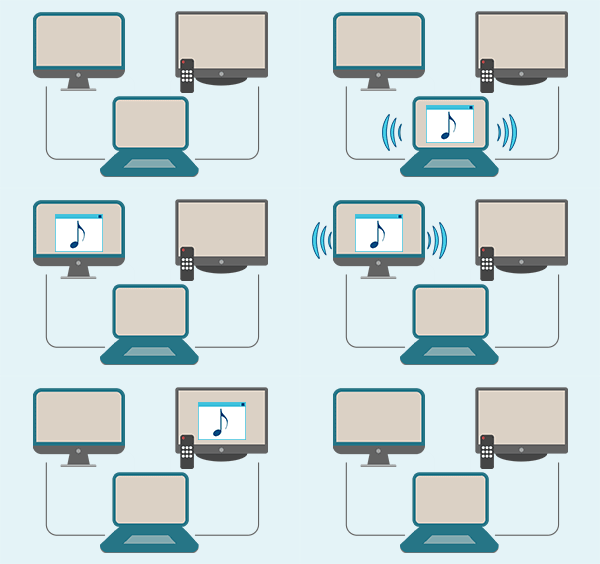
Automatic Audio Playback Redirection
By default Windows can't handle the simple and obvious scenario: dragging a multimedia app to a display/monitor with its own speakers does not automatically switch audio playback to those speakers.
Here we offer a simple solution.
