
|
|
Articles
Meet the New Slideshow Screen Saver for Multiple Monitors
Introduction
Many users want to make their PC more individual. One of the most important elements of individualization is the Screen Saver. It becomes more important when using on multiple monitors. To create the individual photo screen saver, you need just the standard Windows tools. But for creation of the same screen savers on each monitor you need third-party software.
2. New Slideshow Screen Saver for Multiple Monitors
Actual Multiple Monitors 4.1 allows creating Slideshow Screen Savers (with your images) for each monitor separately.
To create this special multi-monitor screen saver, open the Actual Multiple Monitors configuration window on the ‘Screen Saver’ tab and check the ‘Slide Show Screen Saver’ box. Then, select the desired monitor and add desired files or folders. Set the time interval for slides’ changing and set the picture’s position. You can also turn on the random play order of pictures.
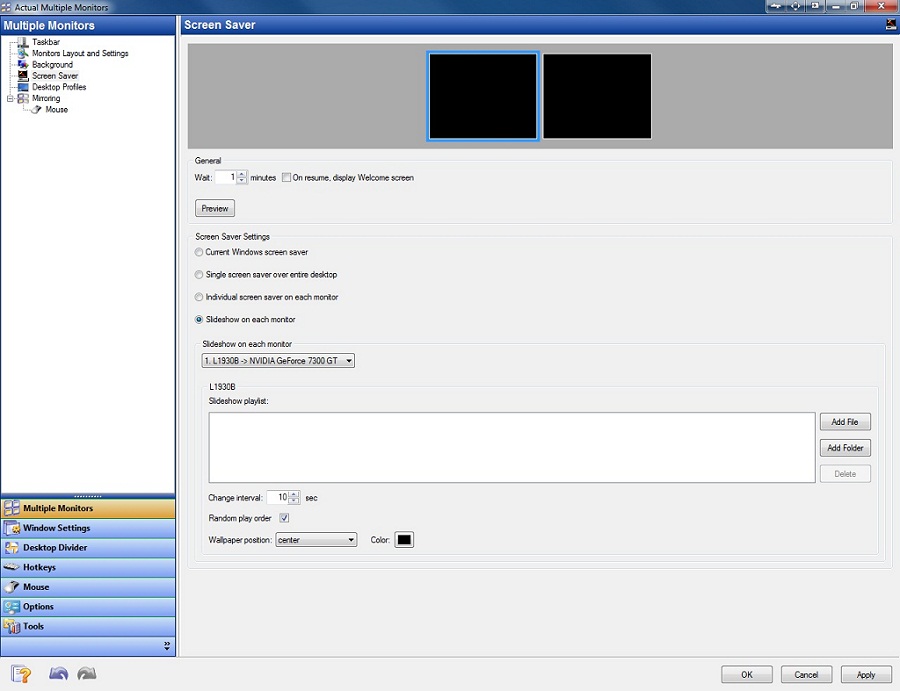
Repeat all these steps for all displays. Now you have the individual screen saver for your multiple monitor PC.
3. Conclusion
We hope the Slideshow Screen Saver will help you make your multi-monitor PC more individual and pleasant.




How can Actual Window Manager help multi-monitor users?
Get the full power of your multi-monitor configuration with Actual Tools!
How to Improve Your Internet Browser with the Help of Actual Window Manager
Actual Window Manager allow you to improve your Internet browser by many useful features for convenient work.
-
Resize windows: Simplify your web construction with Resize Window
The Resize Window control will help you resize any window in a flash: Right click on it and you will access the drop-down list of window sizes including 640x480, 800x600, 1024x768, 100%x100%, 50%x50%, 0%x100%, etc.
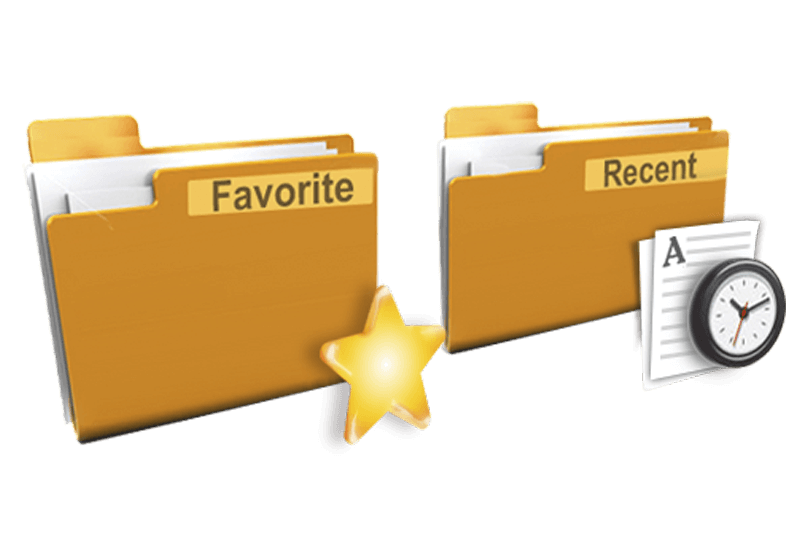
Recent Folders & Favorite Folders - New Title Buttons for Convenient Work
In the new version of Actual Window Manager you're got the opportunity of using two new title buttons - Recent Folders and Favorite Folders. These buttons will make your work more convenient.
-
Internet Explorer plus Actual Window Manager is a good choice!
Actual Window Manager will make your work with Internet Explorer and other applications extremely simple and convenient.
How to Get New Windows 10 UI Features in Windows 7/8 with Actual Window Manager 8.3
Wanna new Windows 10 features in Windows 7/8? You can get them without upgrading, just use Actual Window Manager 8.3.
Users of AccountEdge 2013 choose Dual Monitors with Actual Multiple Monitors Software
Actual Multiple Monitors as the Best Dual Monitor Software for accountants. How Actual Multiple Monitors can help users of AccountEdge 2013 on dual monitors?
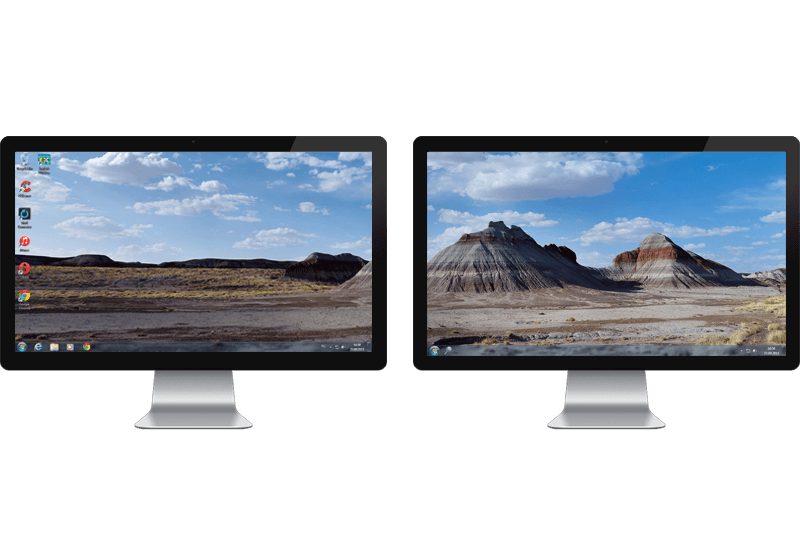
Dual Monitor Desktop Background Management with Actual Multiple Monitors in Windows 8
How to set the slideshow from Internet sources as the dual monitor desktop background in Windows 8? Read the following article.
-
Improve MSN/Windows Messenger with Actual Title Buttons
New title buttons can help you vastly improve your work with MSN/Windows Messenger! Using Actual Title Buttons you will be able to add new Minimize Alternatively, Stay Always-on-Top, Make Transparent, Roll Up and other title buttons to MSN/Windows Messenger windows .
-
Improve Yahoo Messenger with Actual Title Buttons
Enhance your work with Yahoo Messenger with the help of Actual Title Buttons. Now you can add a whole bag full of new nifty buttons that will make Yahoo Messenger more convenient, stylish and pleasurable to work with.
