
|
|
| Actual Window Manager | ||||||||||||||||||||||||||
|---|---|---|---|---|---|---|---|---|---|---|---|---|---|---|---|---|---|---|---|---|---|---|---|---|---|---|
| ||||||||||||||||||||||||||


Screenshots
Window Settings
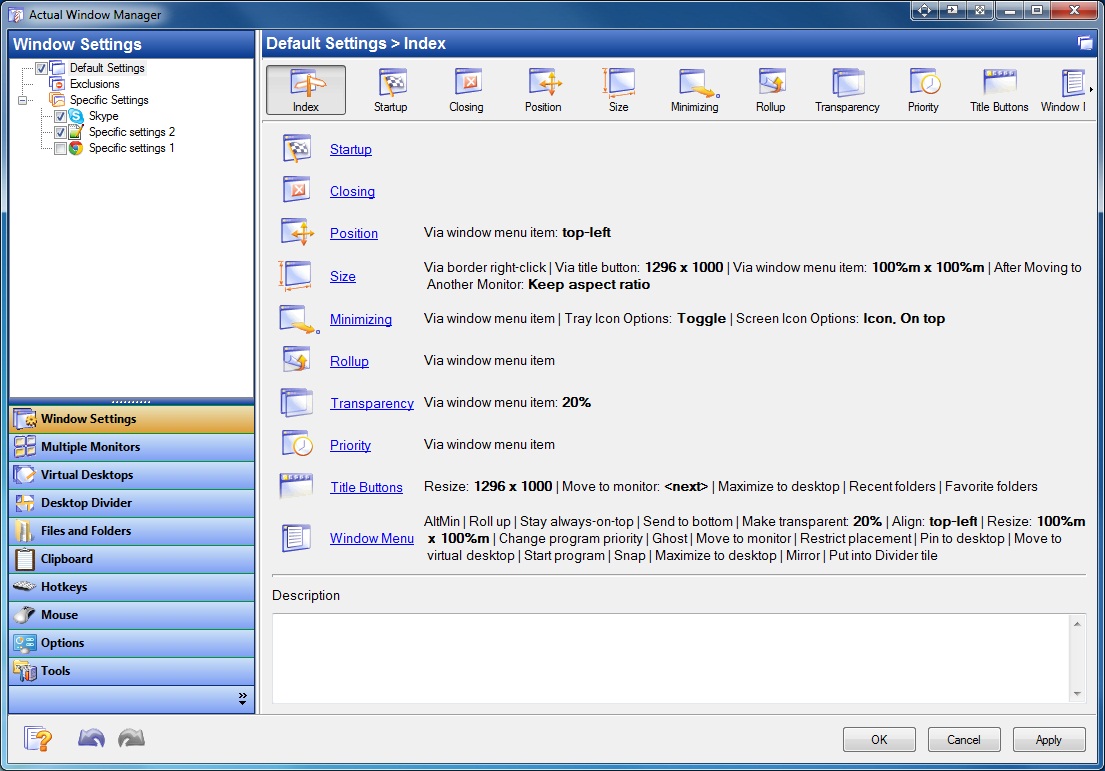
Default Window Settings - Index
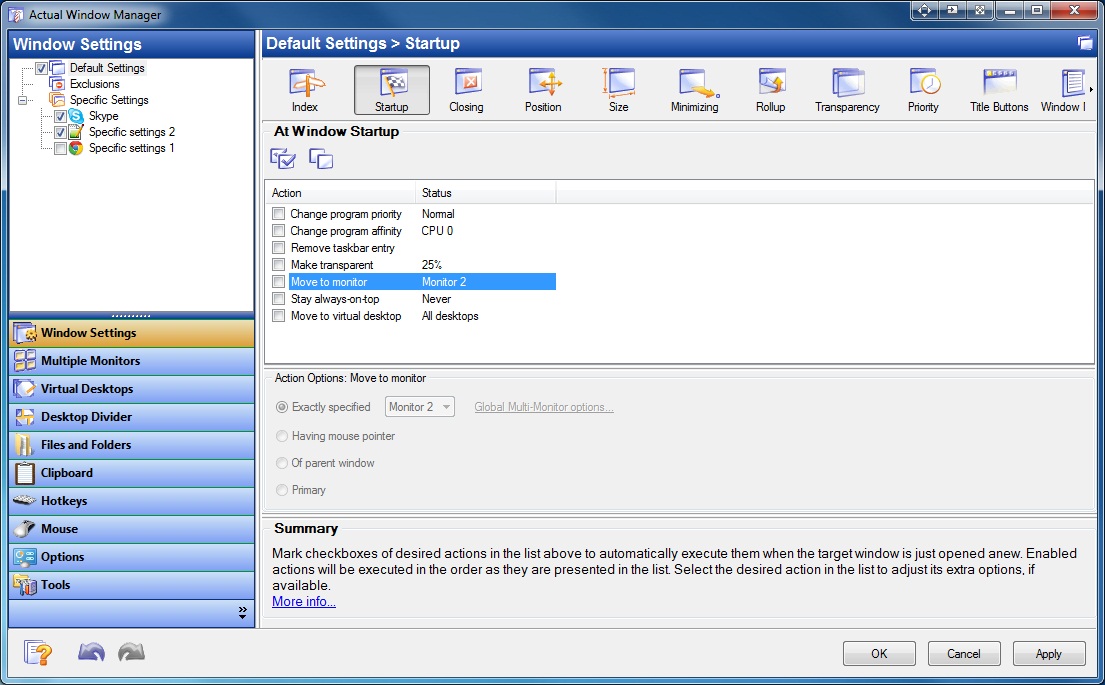
Default Window Settings - Startup
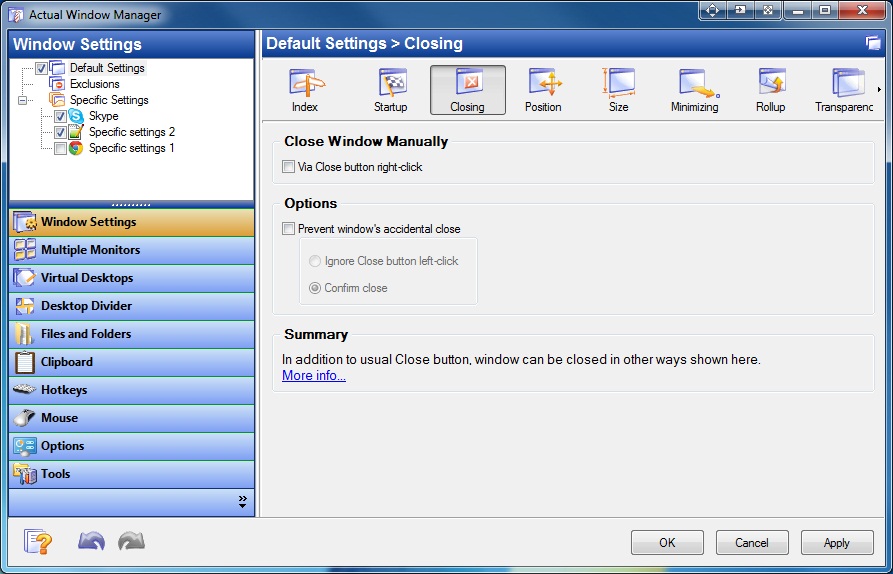
Default Window Settings - Closing
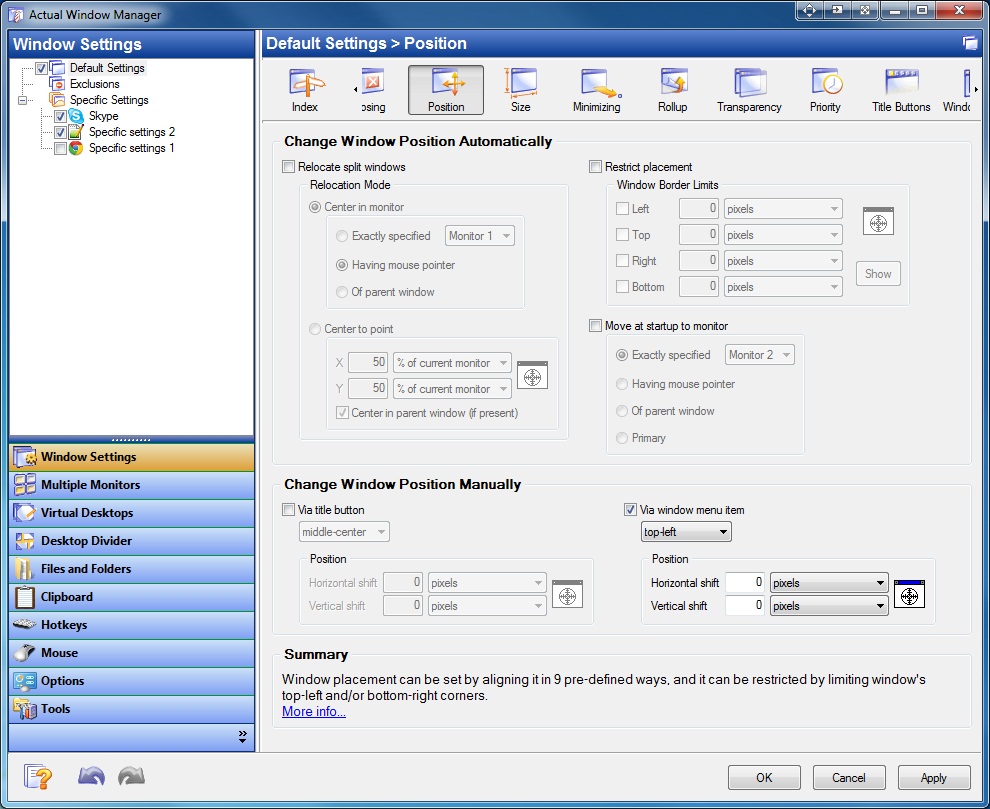
Default Window Settings - Position
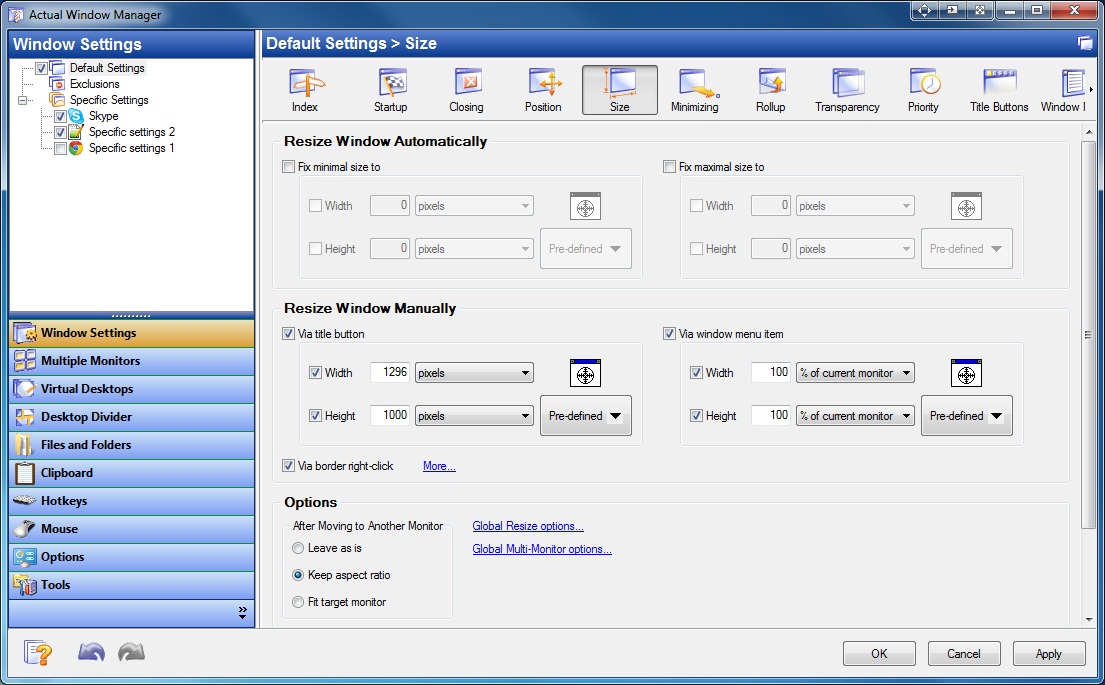
Default Window Settings - Size
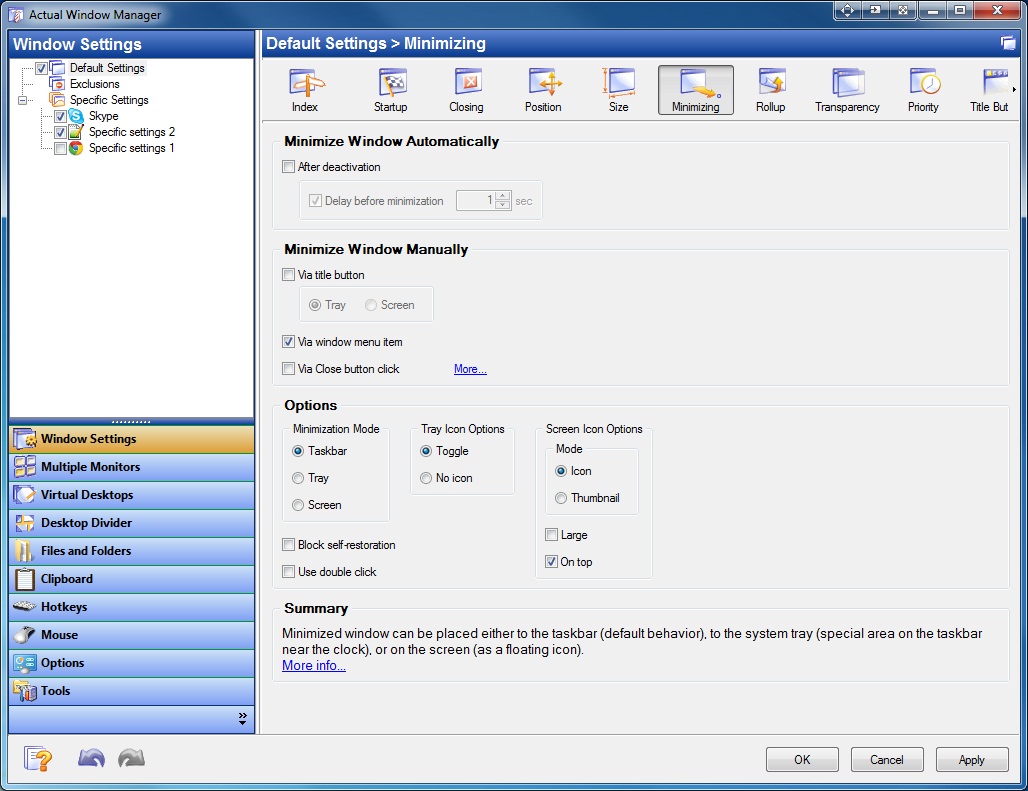
Default Window Settings - Minimizing
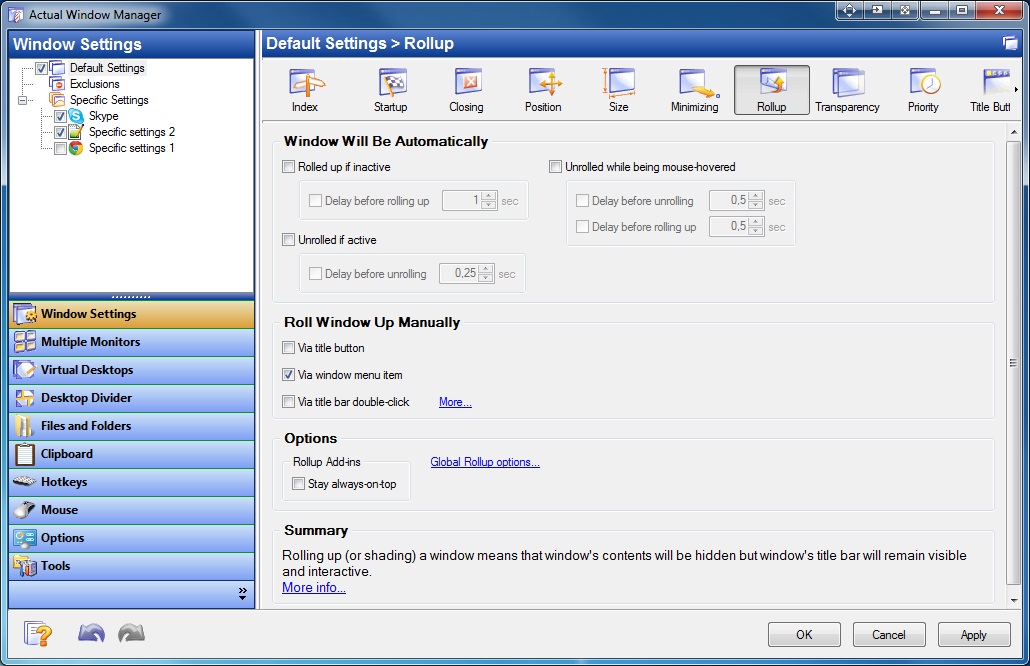
Default Window Settings - Rollup
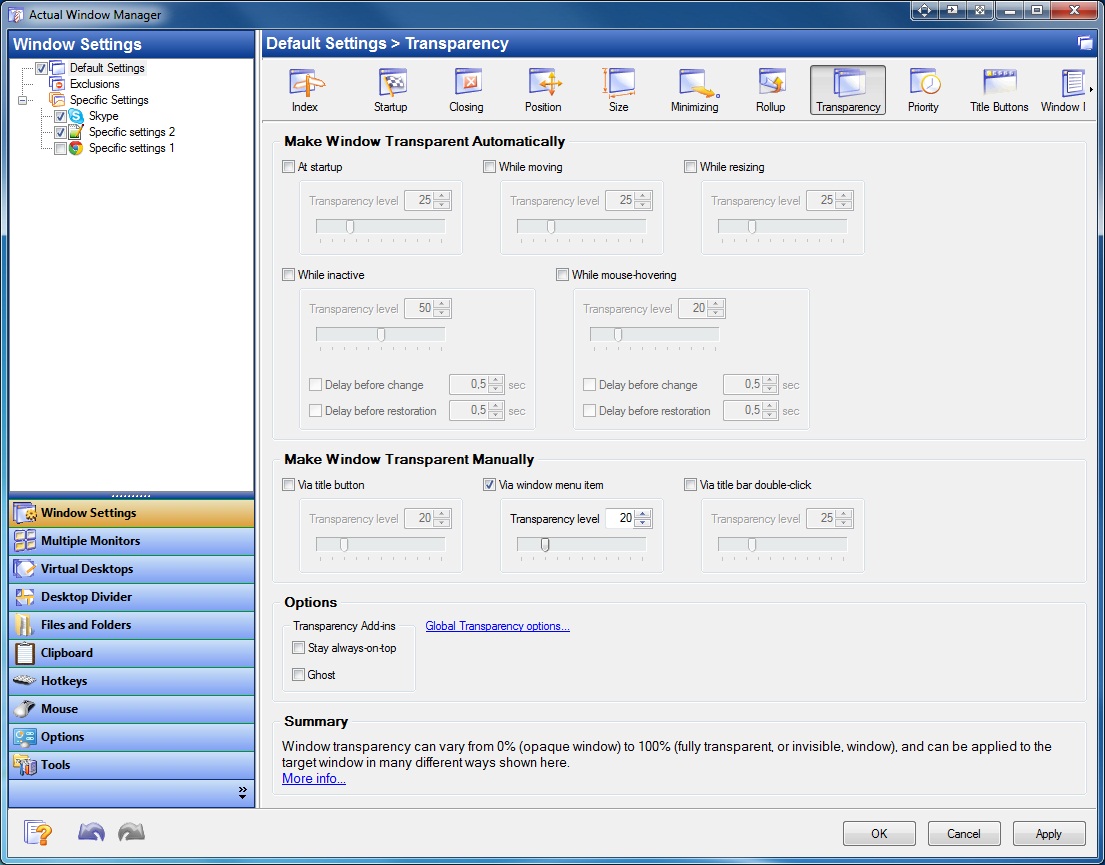
Default Window Settings - Transparency
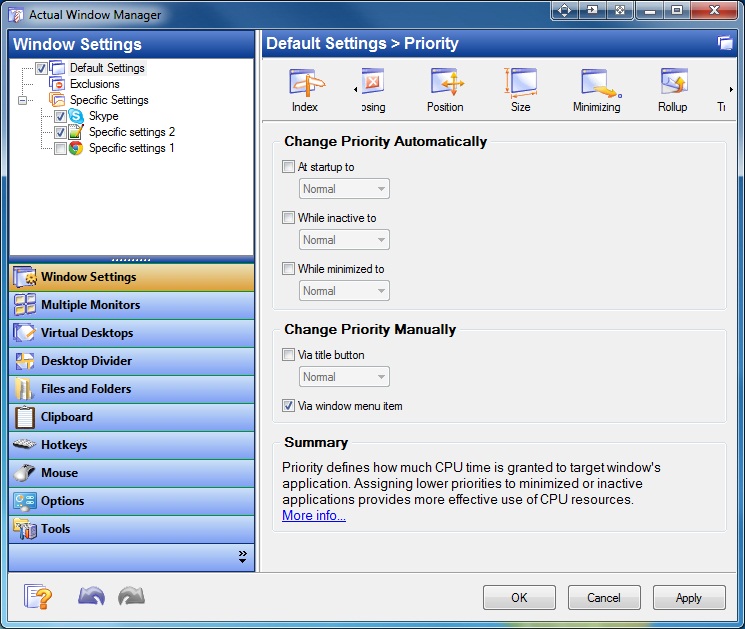
Default Window Settings - Priority
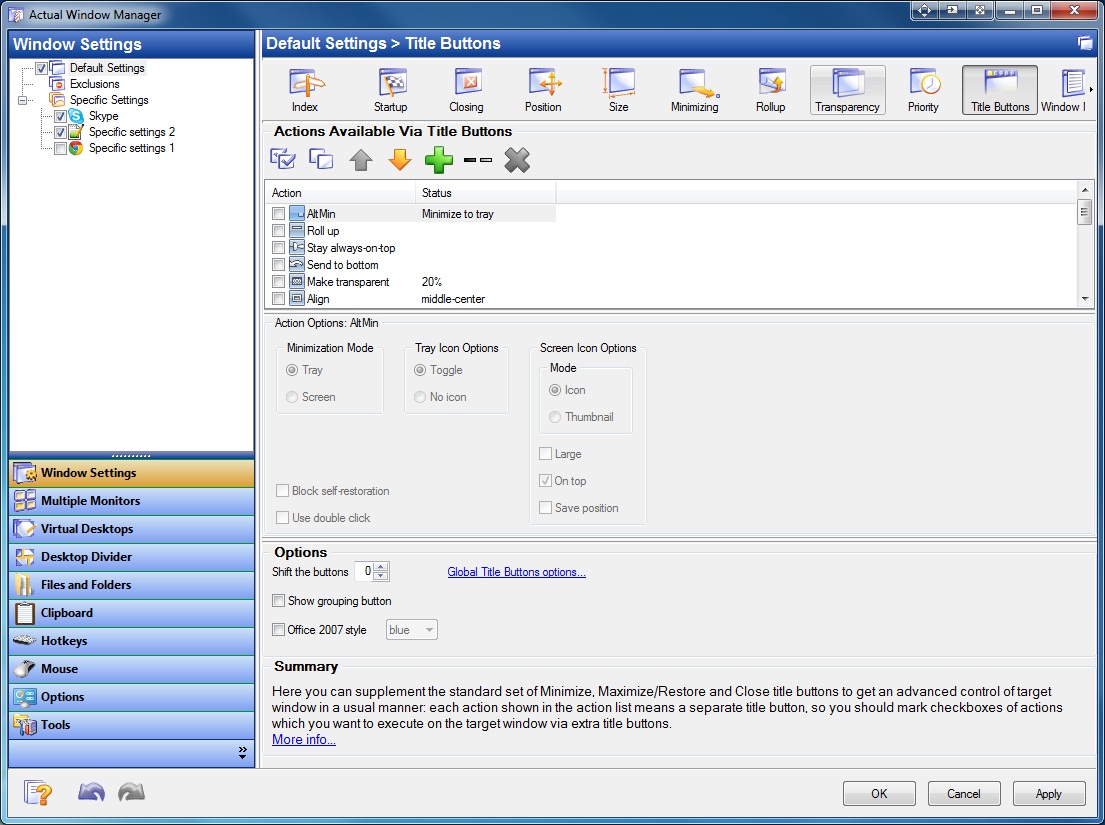
Default Window Settings - Title Buttons
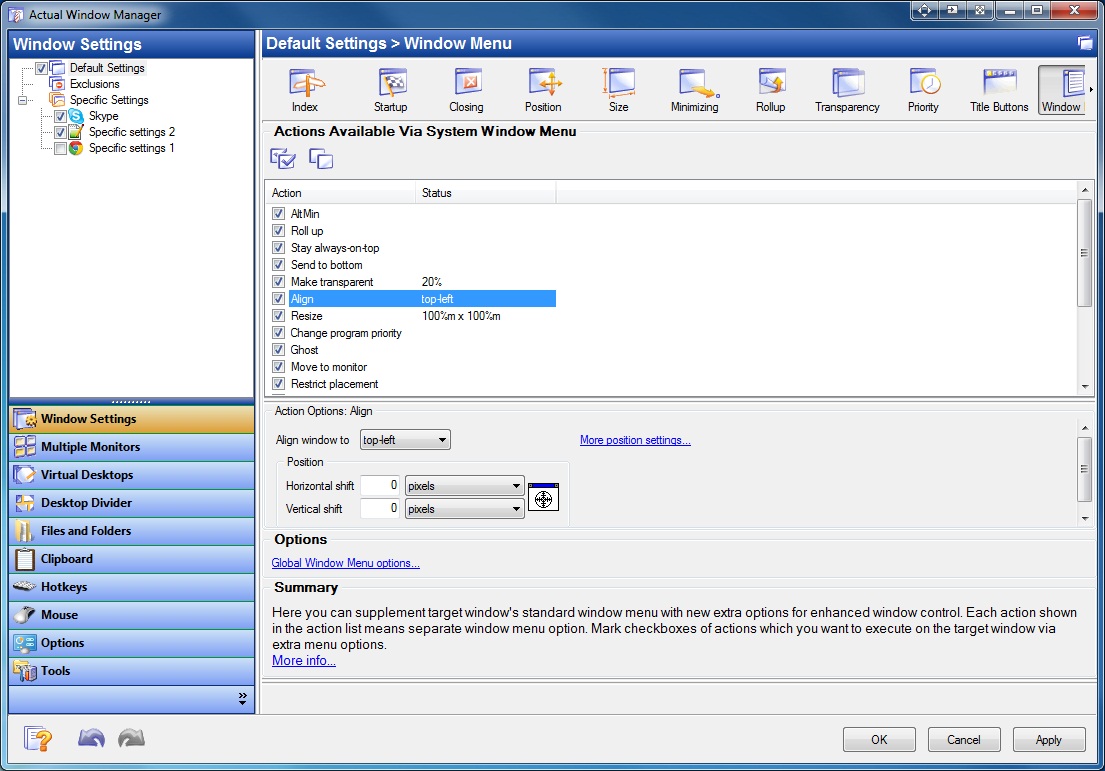
Default Window Settings - Window Menu
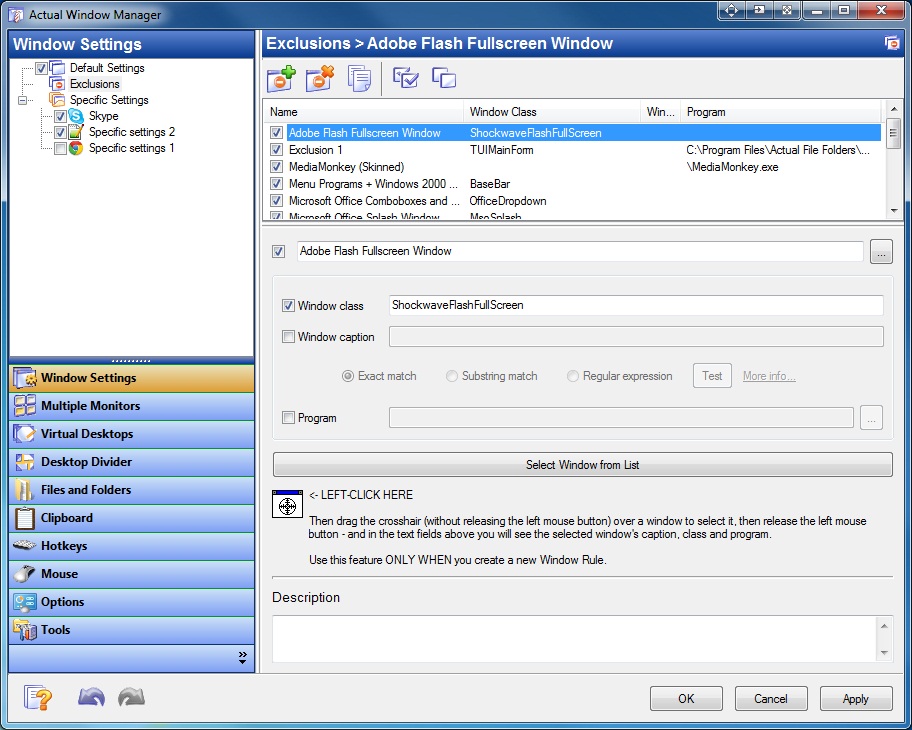
Exclusions Window Settings
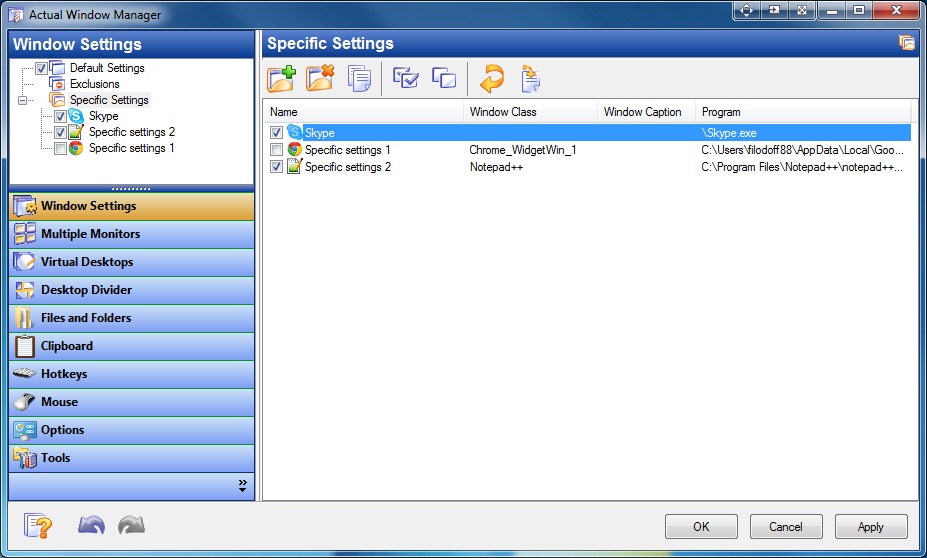
Specific Window Settings
Multiple Monitors Settings
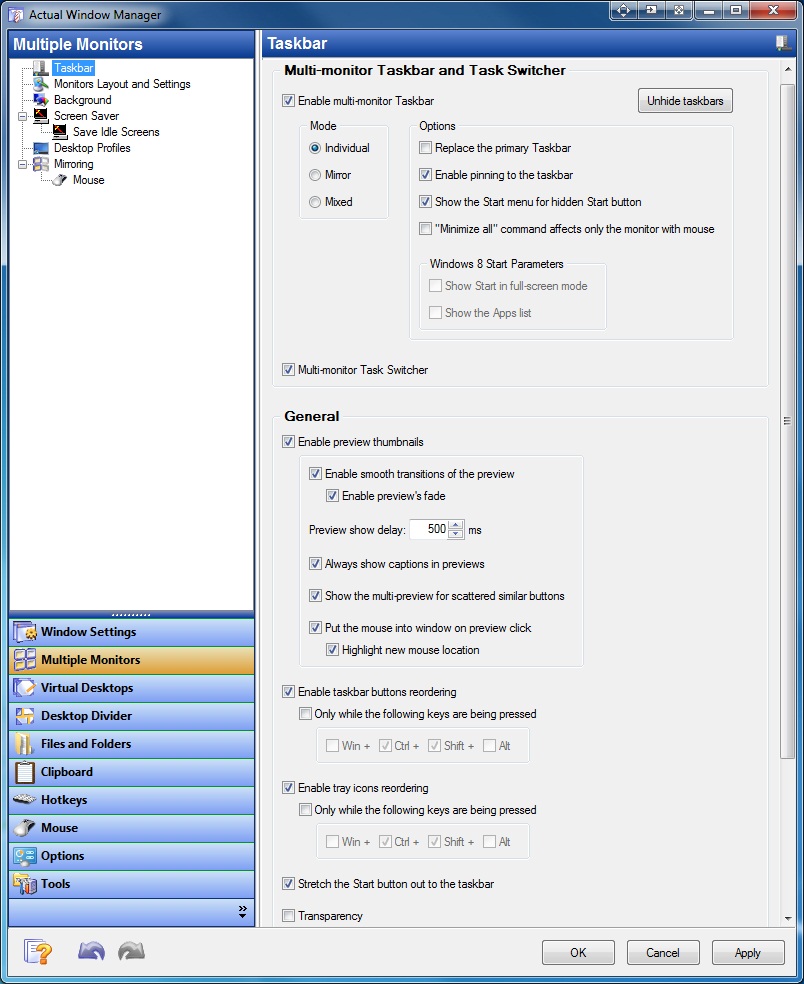
Multi-monitor Taskbar settings and additional features for the system Taskbar
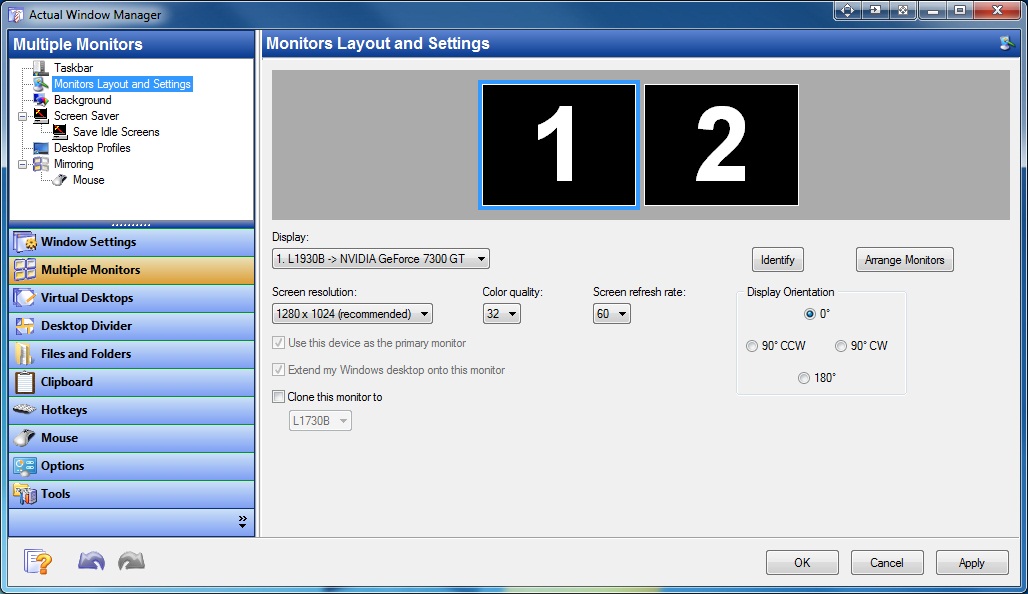
Monitors' relative layout and properties (resolution, color depth, refresh rate)
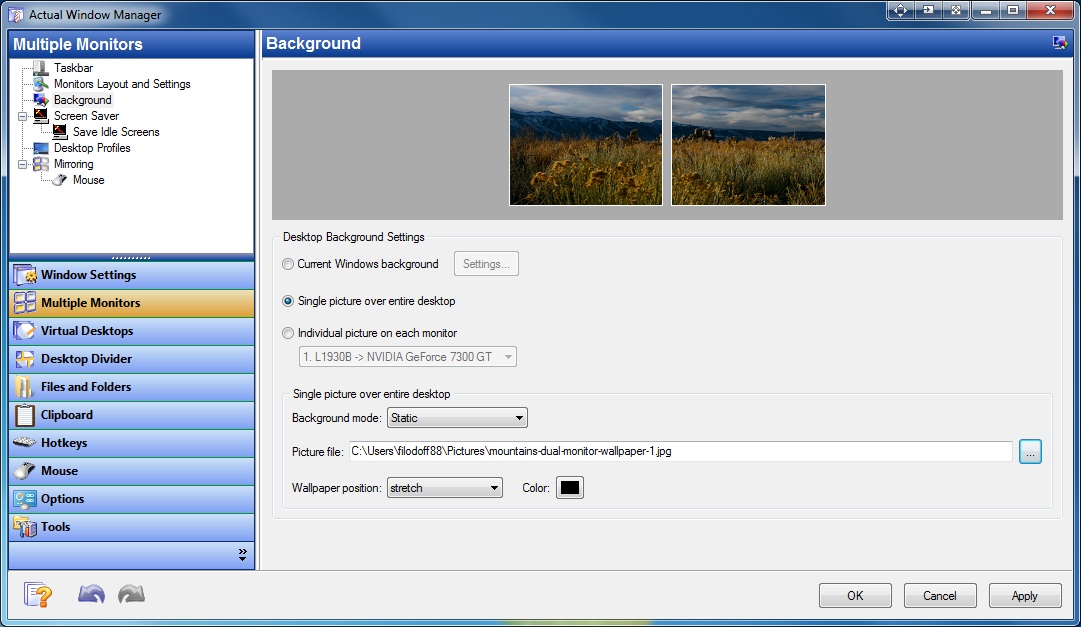
Multi-monitor Background Picture settings
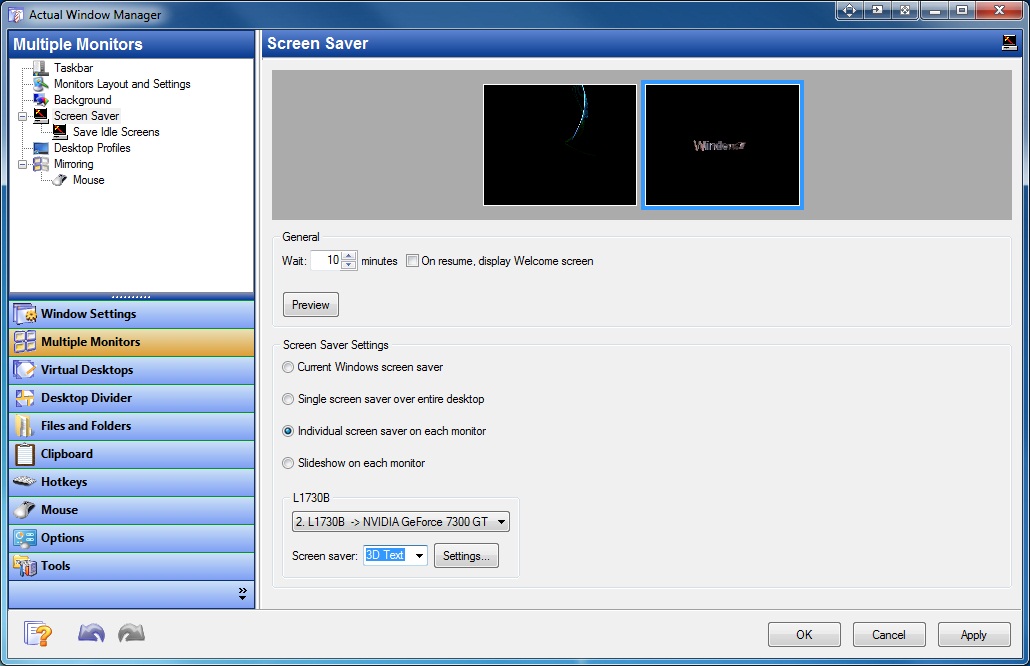
Multi-monitor Screen Saver settings
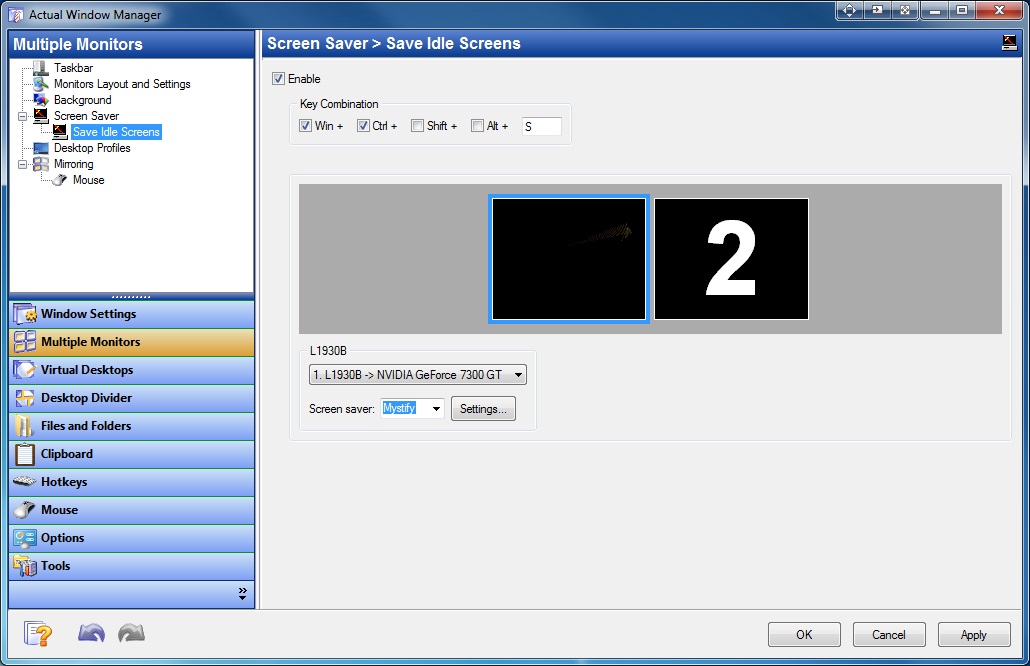
Multi-monitor Screen Saver Save Idle Screens settings
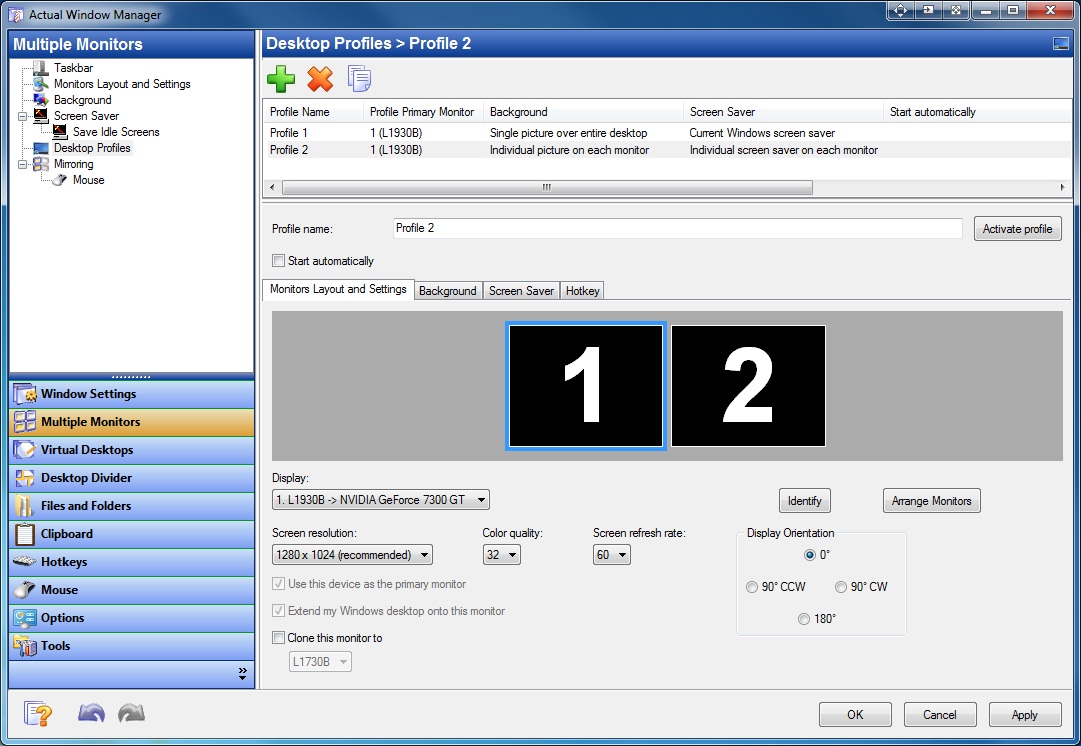
List of Multi-monitor Desktop Profiles and their properties
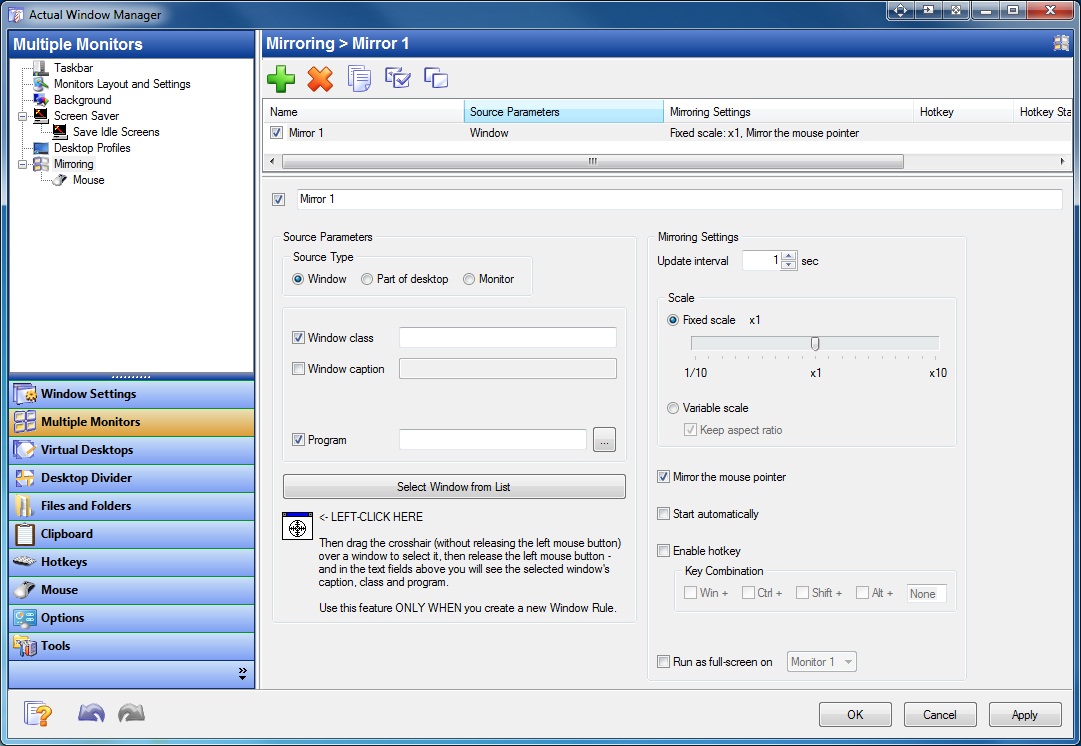
List of Multi-monitor Mirrors and their properties
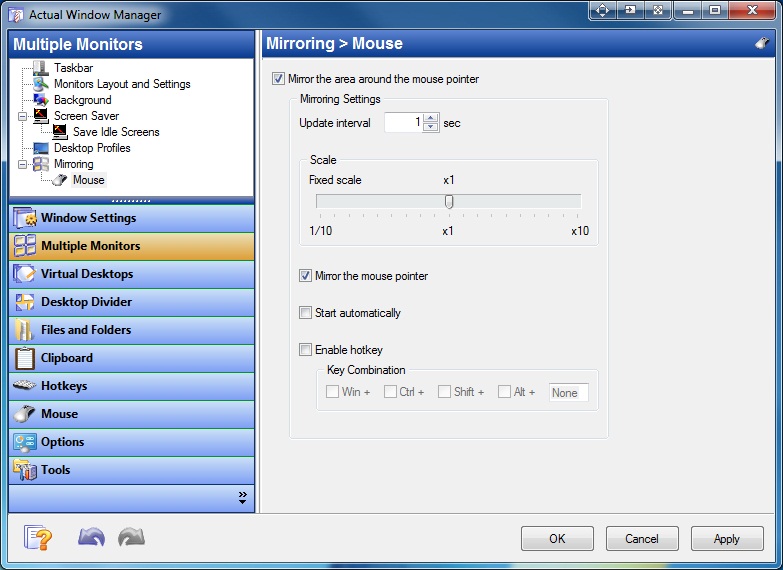
Multiple Monitor Mouse Mirroring settings
Virtual Desktops
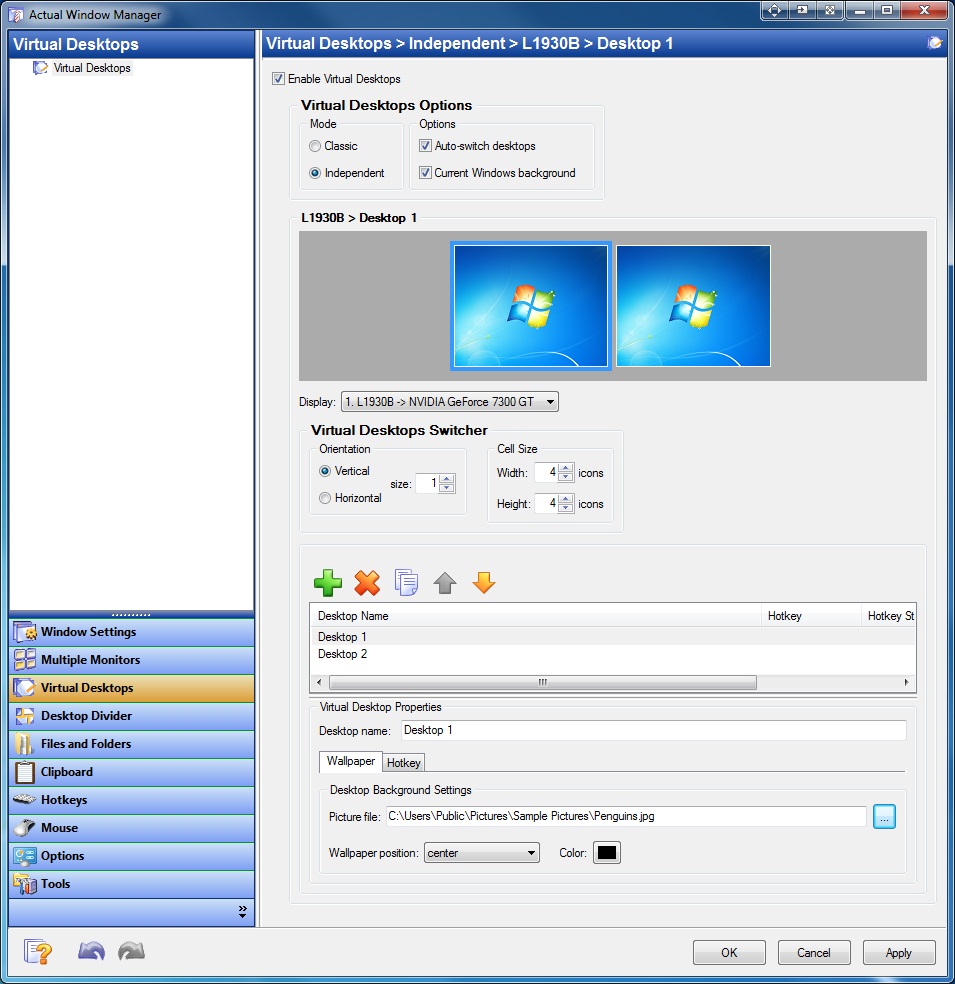
List of Virtual Desktops and their properties
Desktop Divider
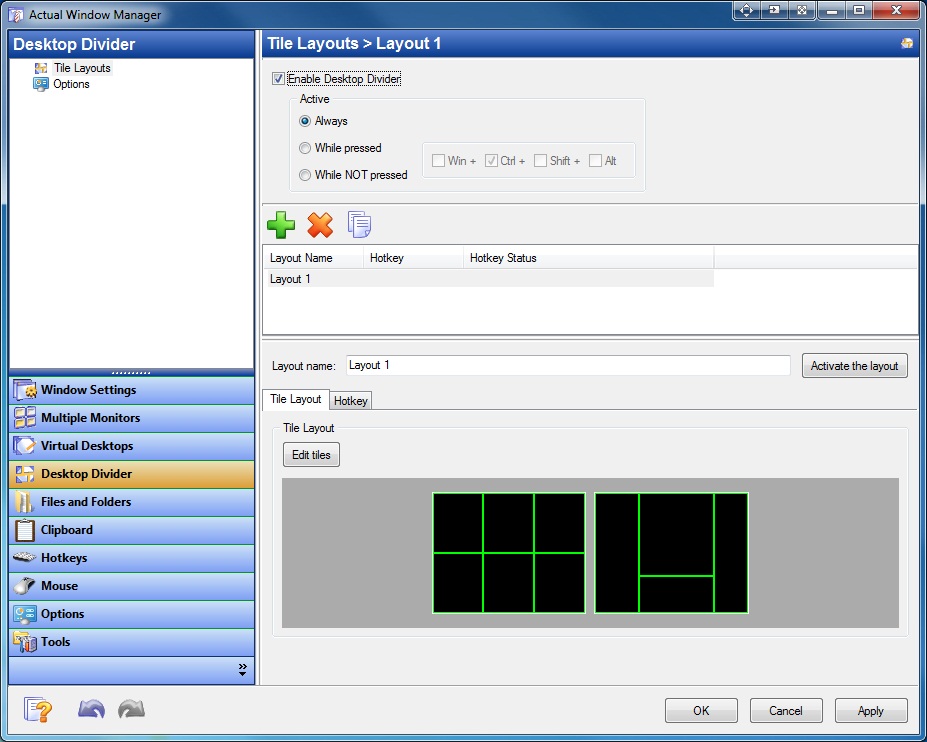
List of Desktop Divider layouts and their properties
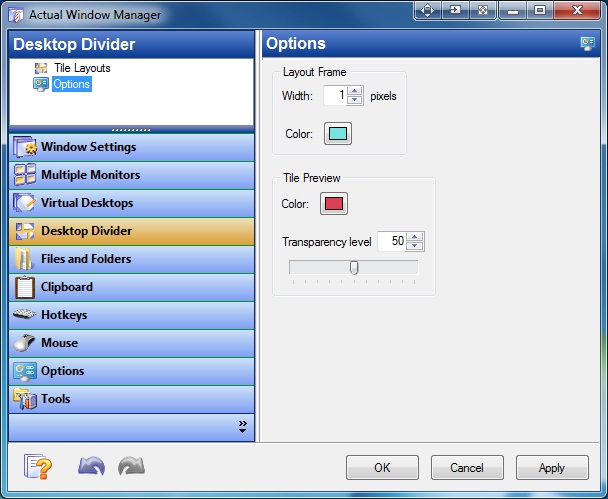
Desktop Divider options
Files and Folders
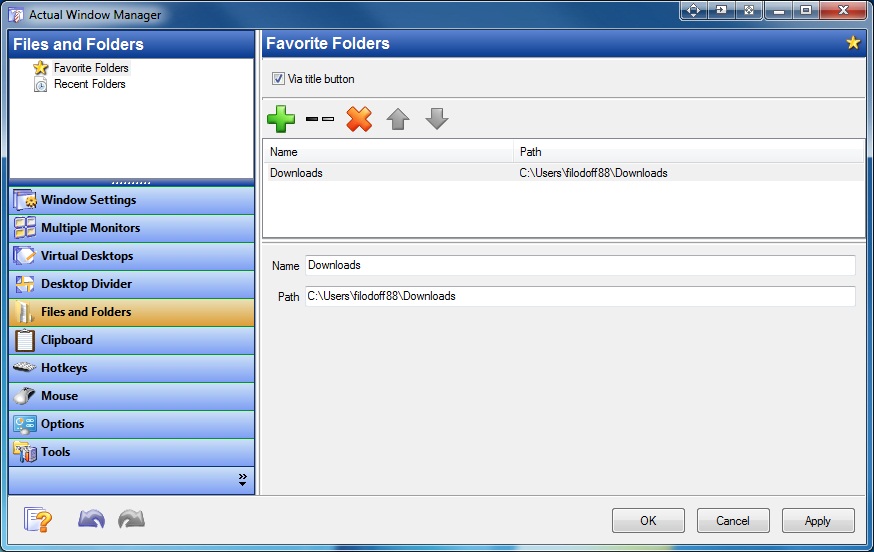
List of Favorite Folders and their properties
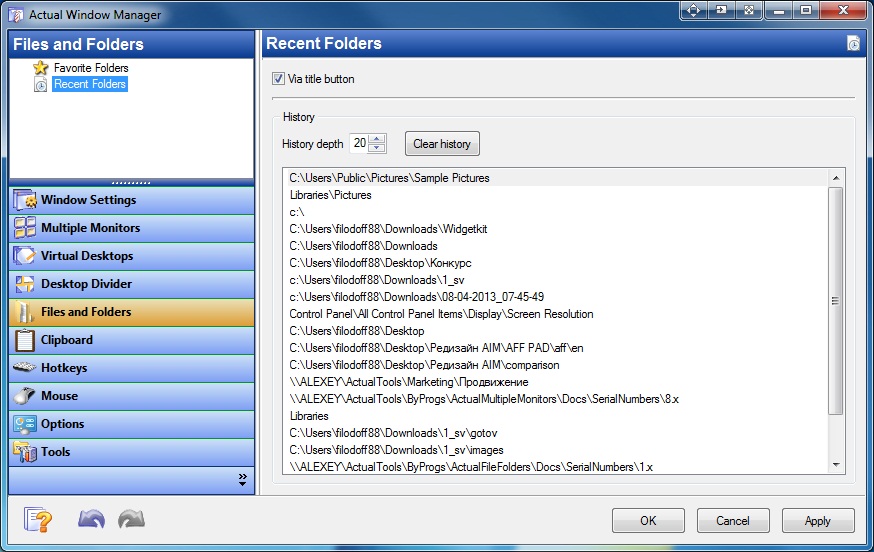
List of Recent Folders and their properties
Clipboard
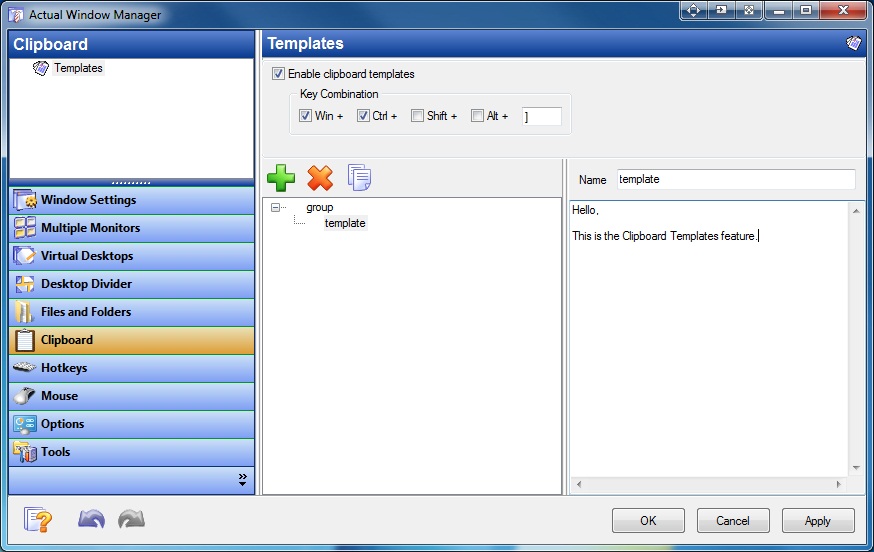
List of Clipboard Templates and their properties
Hotkeys
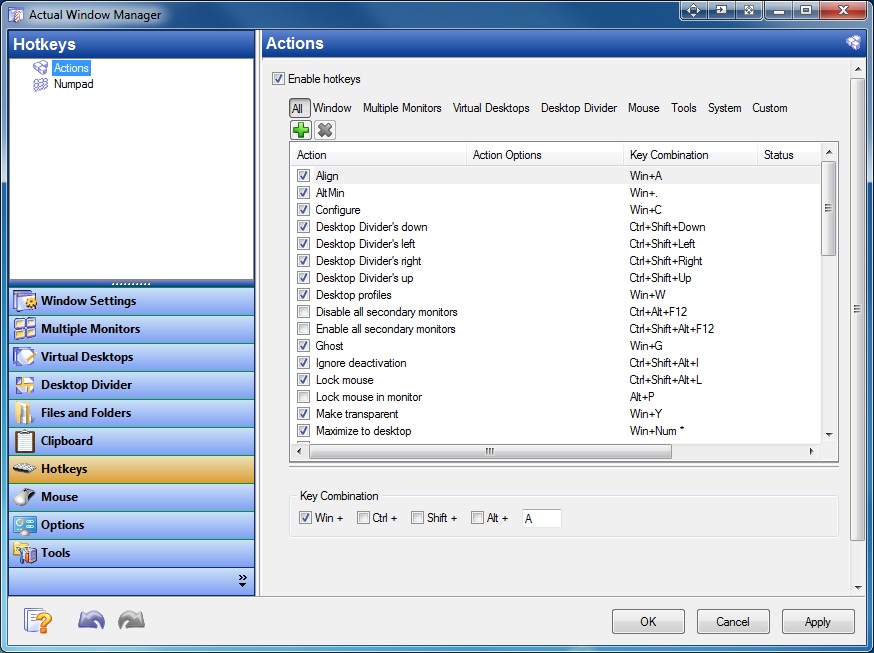
List of Hotkey combinations and their properties
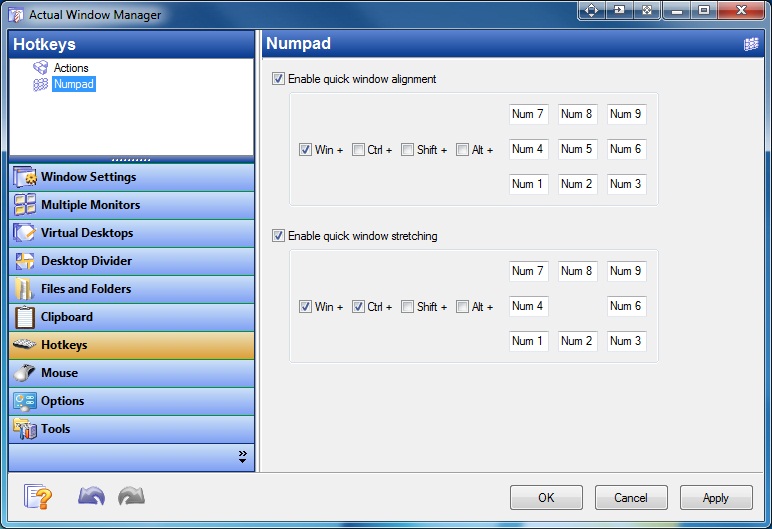
Hotkey combinations for the Numpad keyboard
Mouse
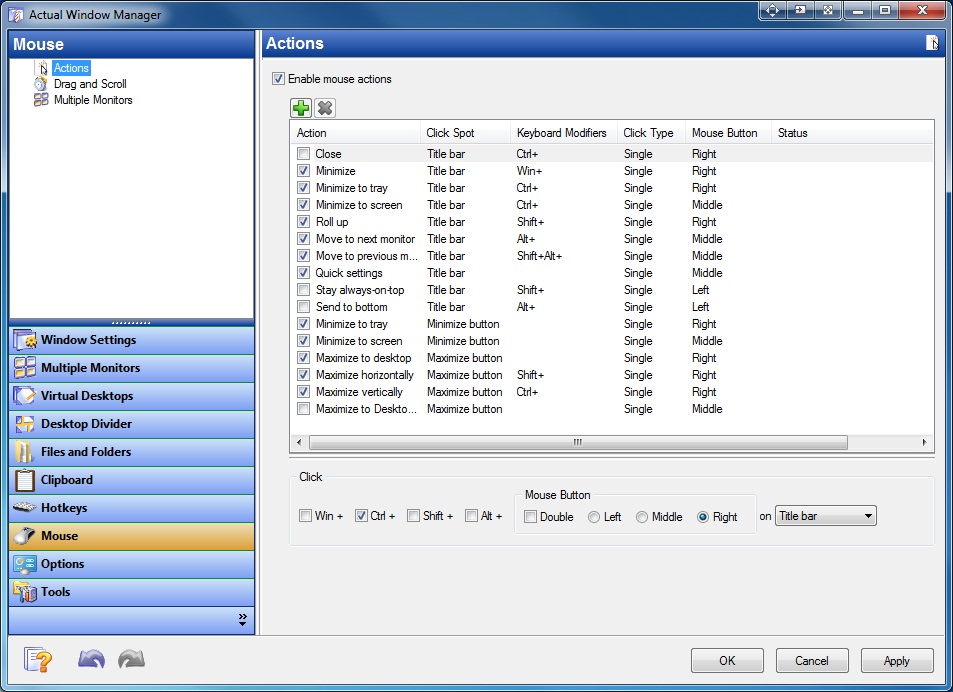
List of Hotkey combinations for the Mouse and their properties
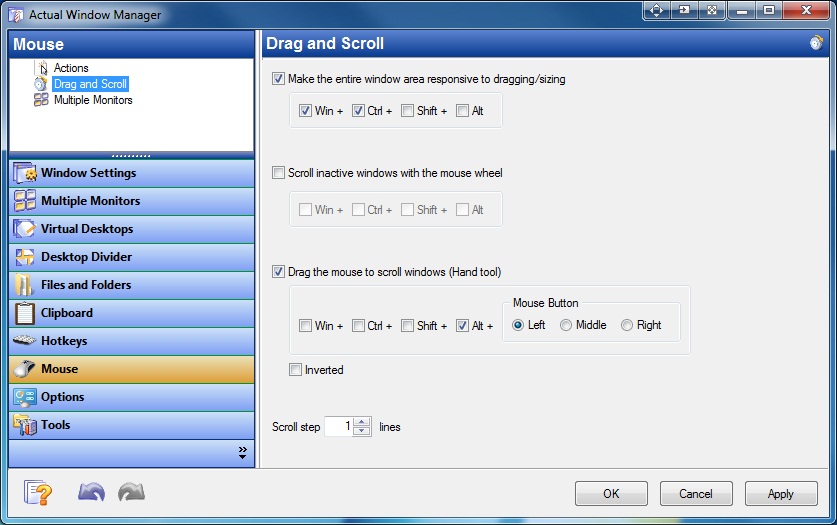
Mouse Drag and Scroll options
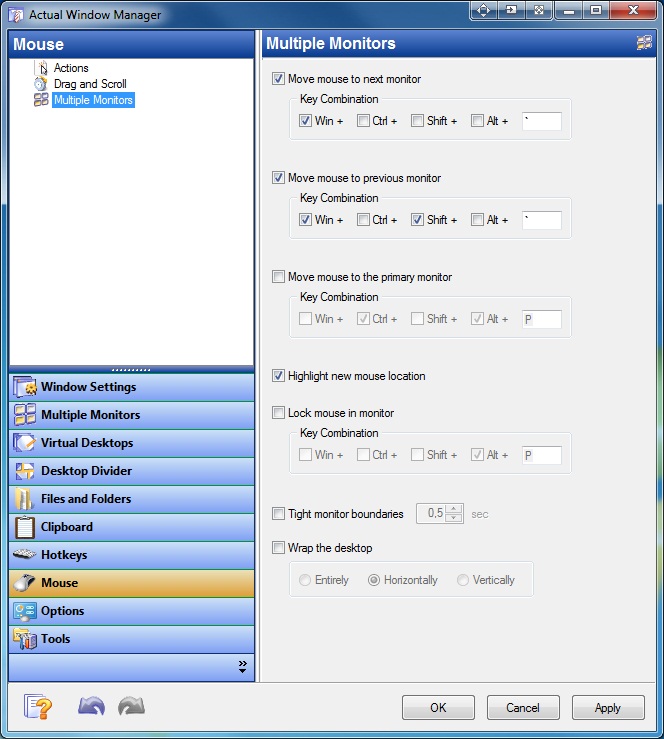
Mouse options for multiple monitors
Options
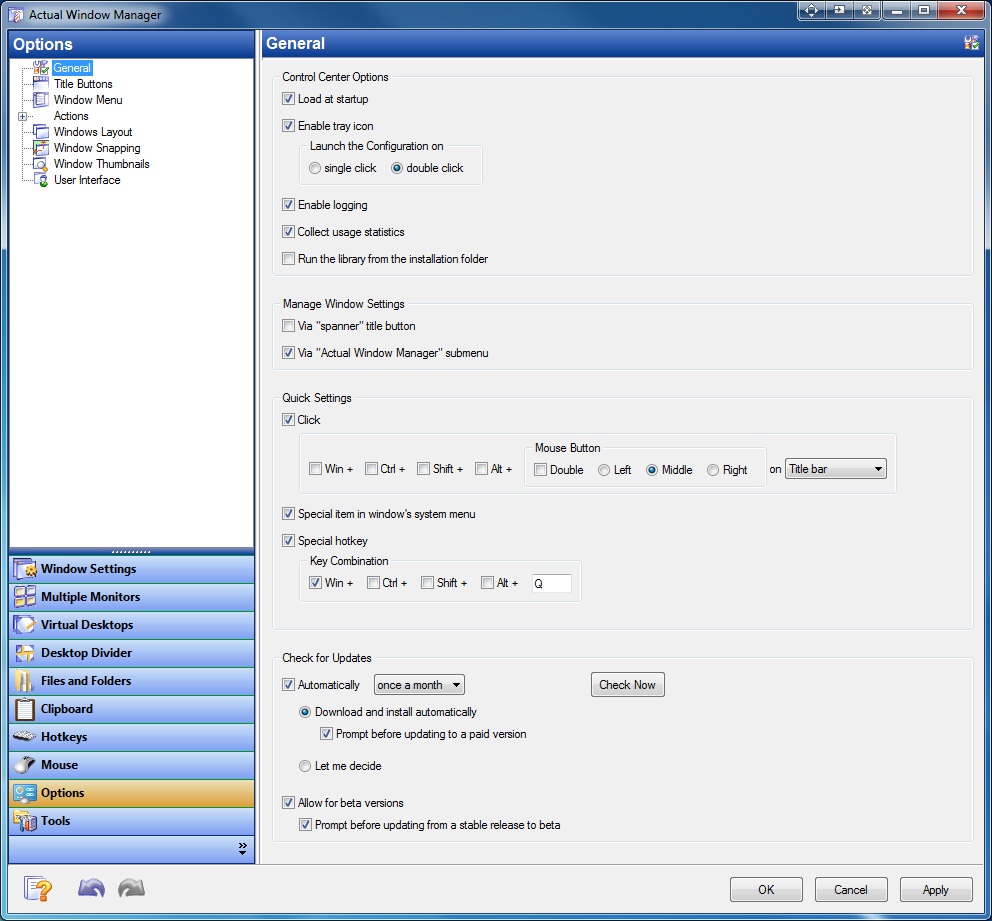
General options
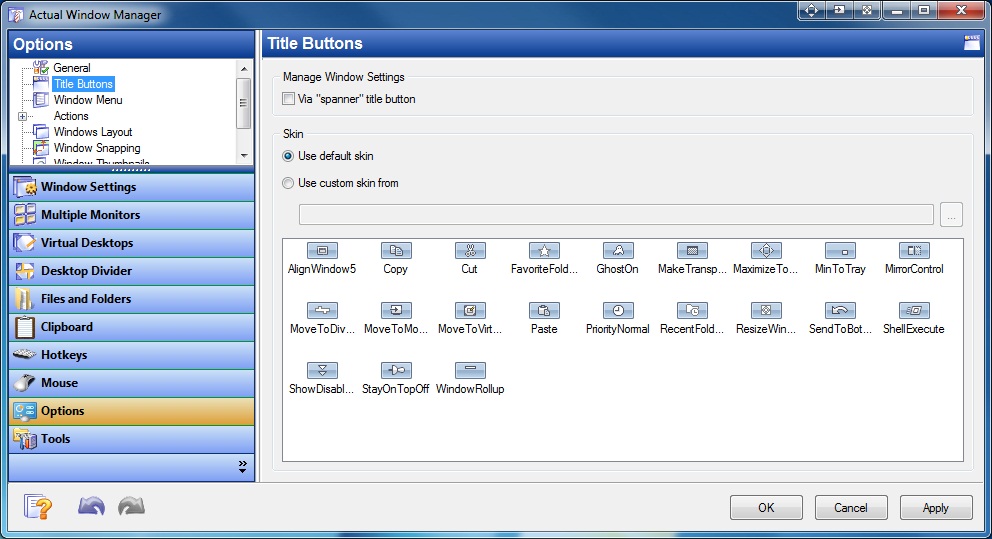
Options for additional title buttons
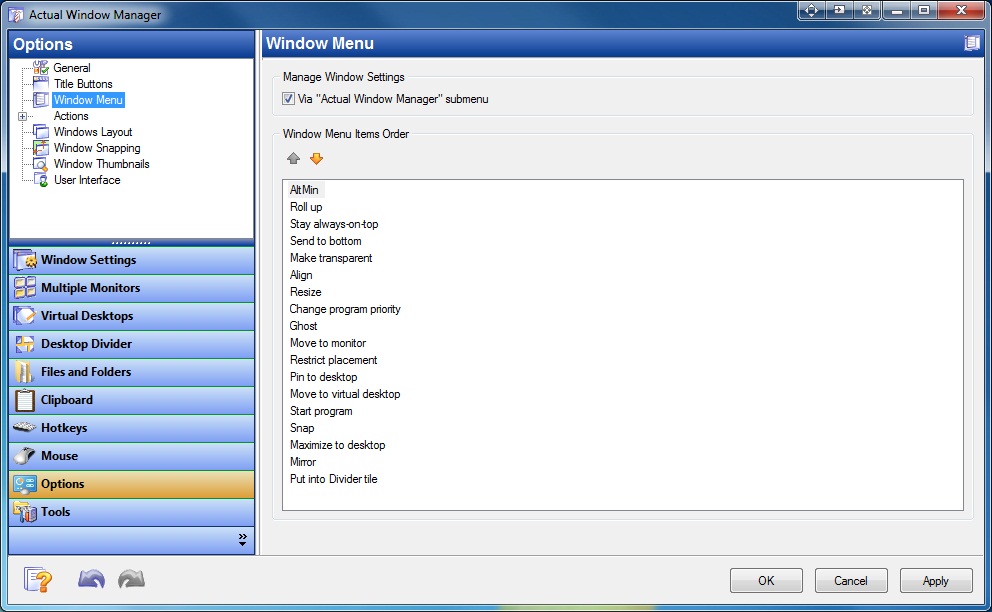
Options for additional window menu items
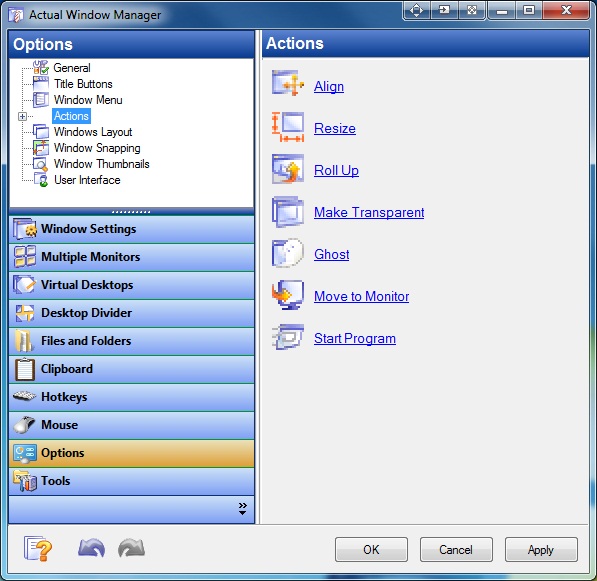
Additional options for several actions
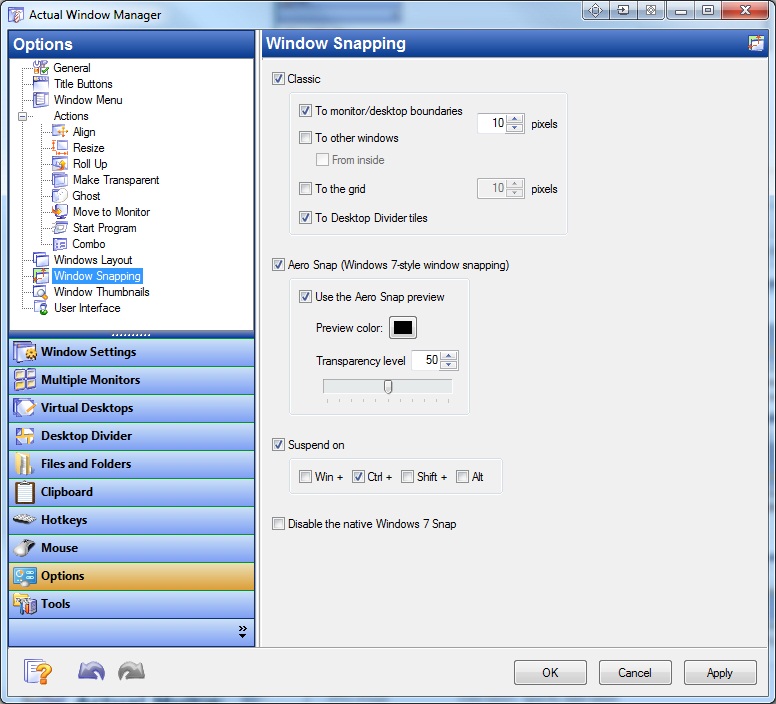
Window snapping options
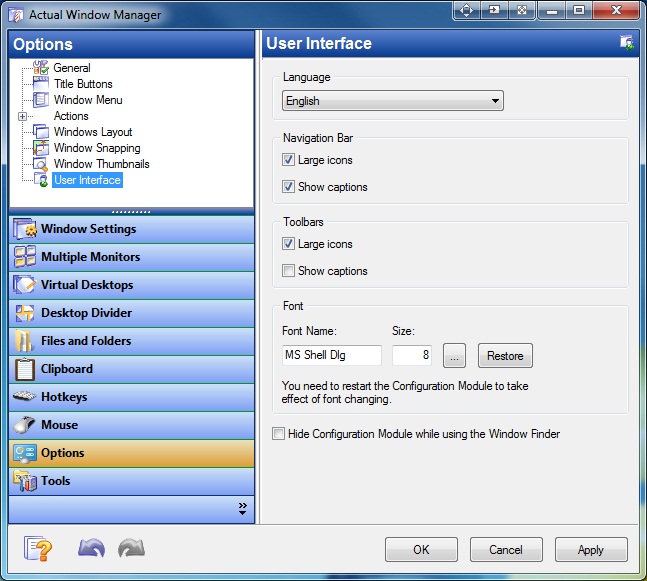
User Interface options

 Actual Window Manager
Total Windows® Facelift!
|
|
|||||||||||||||||||
 Download now
 Order now